.png)
How To Take A Before-And-After PhotoUpdated 2 months ago
To ensure your claim is processed smoothly, please follow the specific photo requirements and steps outlined below. This process applies to both our Eyelash and Eyebrow serums.
To qualify for a refund, you must provide clear evidence of your 12-week journey. Please ensure your photos are completely free from makeup, mascara, or brow products so we can accurately review your natural progress.
- The "Before" Photo: Take a clear, well-lit photo of your lashes or brows before your first application.
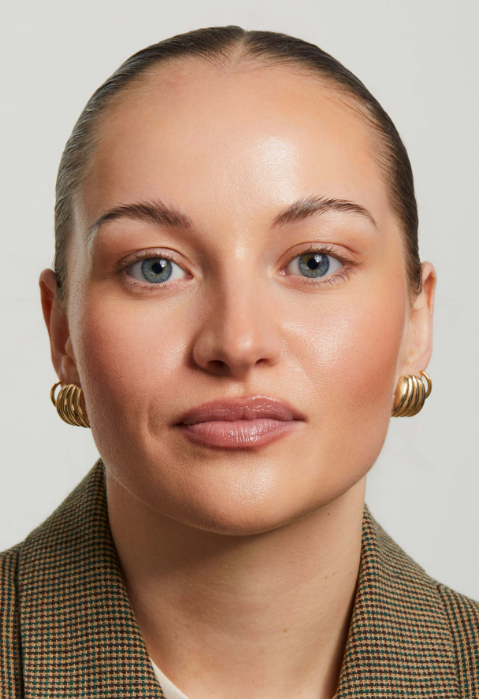
- The "After" Photo: Take a photo of your lashes or brows after 12 weeks of consistent daily use.
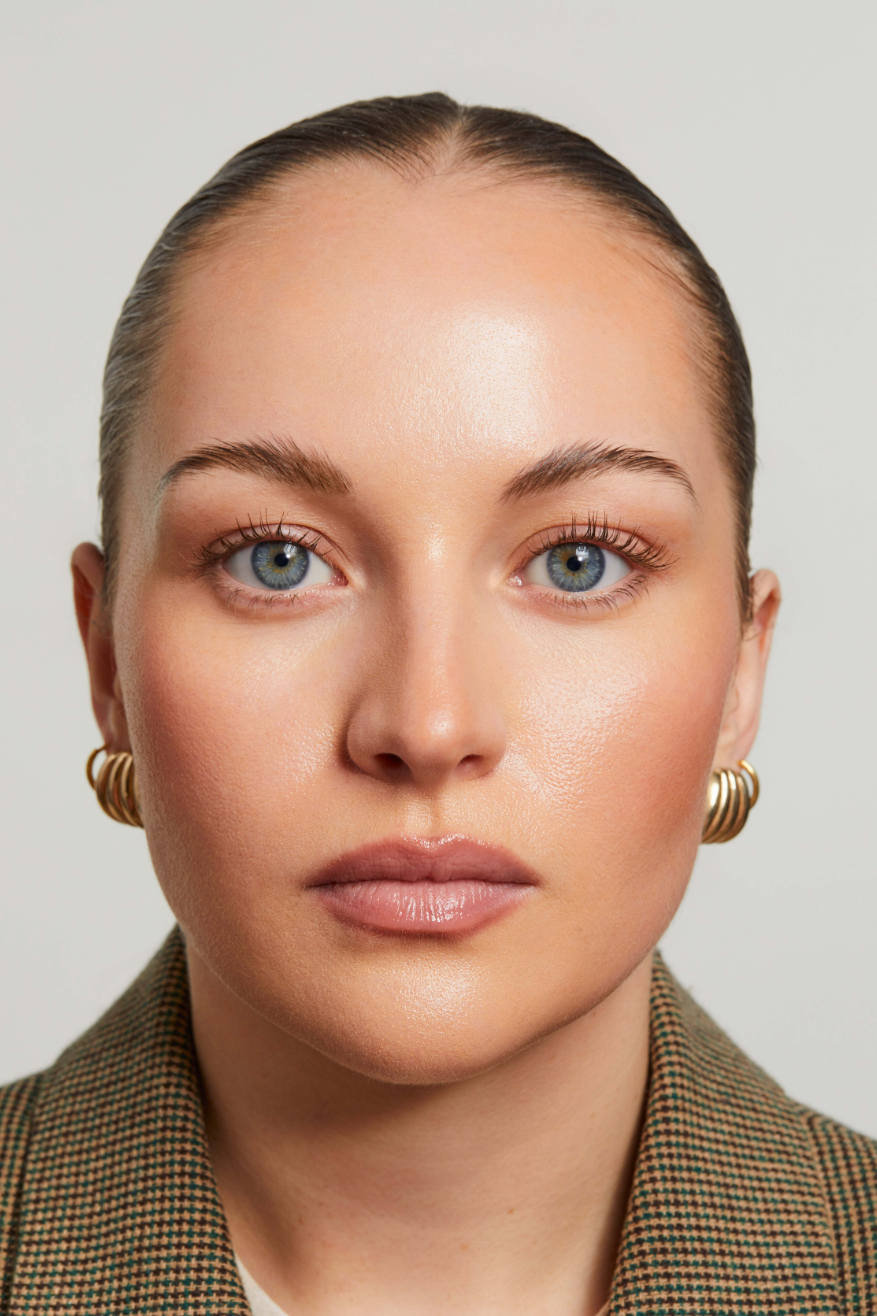
- The Product Photo: Take a photo of your used serum bottle.
All images must include "dated camera roll proof." We cannot accept screenshots that only display "Today," "Yesterday," or a day of the week (e.g., "Monday"). We require the specific calendar date (e.g., March 10, 2026).
How to find the date on your device:
- iPhone (iOS): Open the photo. If the date is displayed, simply take a screenshot. If this isn't the case, tap the "i" (info) icon at the bottom of the screen.
- Android: Look for three dots (vertical or horizontal) usually located in the top right corner, or an "i" icon. Tap this to view "Details" or "Info."
Important: Take a screenshot of the photo while this info panel is open so the date and time are clearly visible alongside the image.
Once you have your three dated screenshots ready, you can submit your application via our official portal by clicking on the button below.