.png)
How to create an account with UKLASHUpdated 2 months ago
Creating a UKLASH account makes it easier to:
- View your order history
- Track your orders
- Manage your subscriptions
- Access exclusive perks, offers and rewards
To create your account:
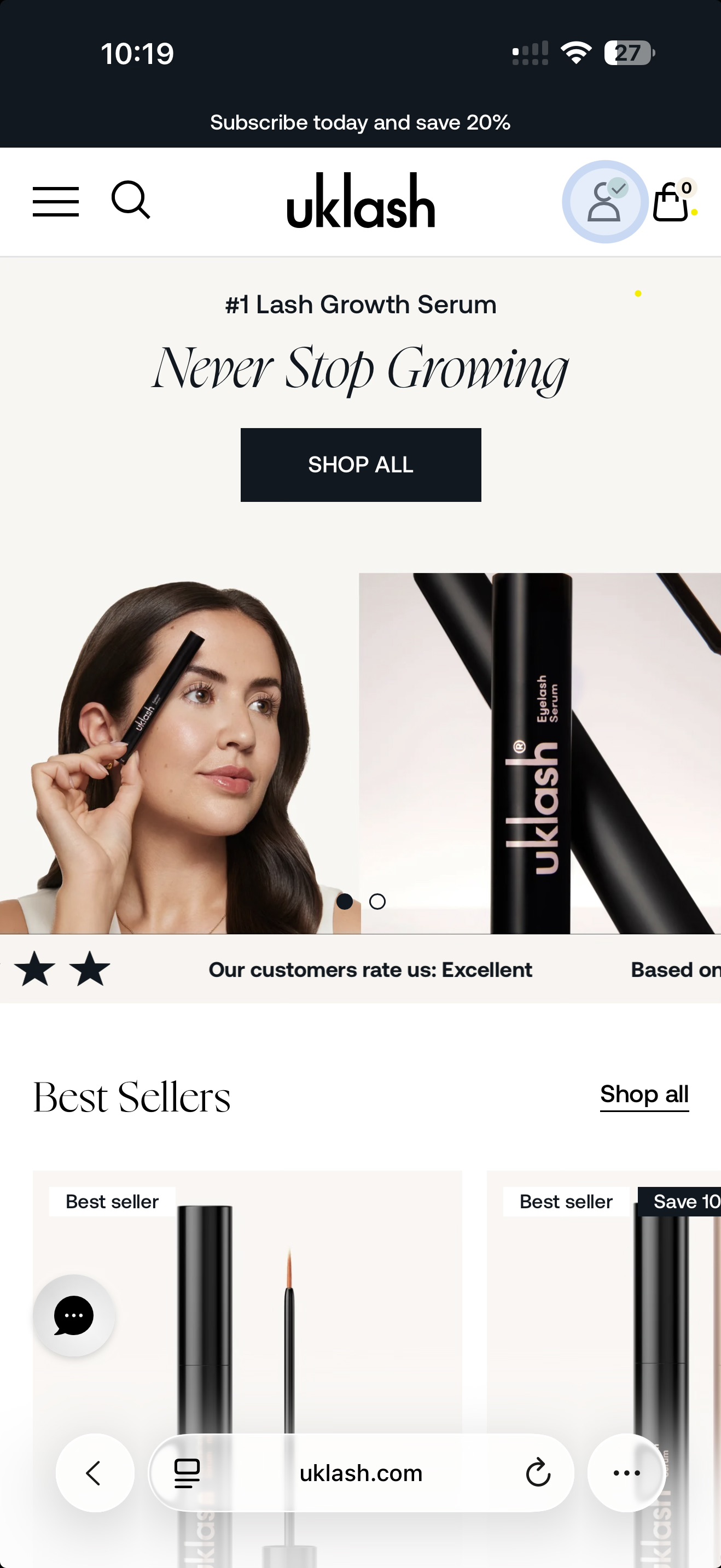
1. Visit uklash.com
2. Select the Log In icon.
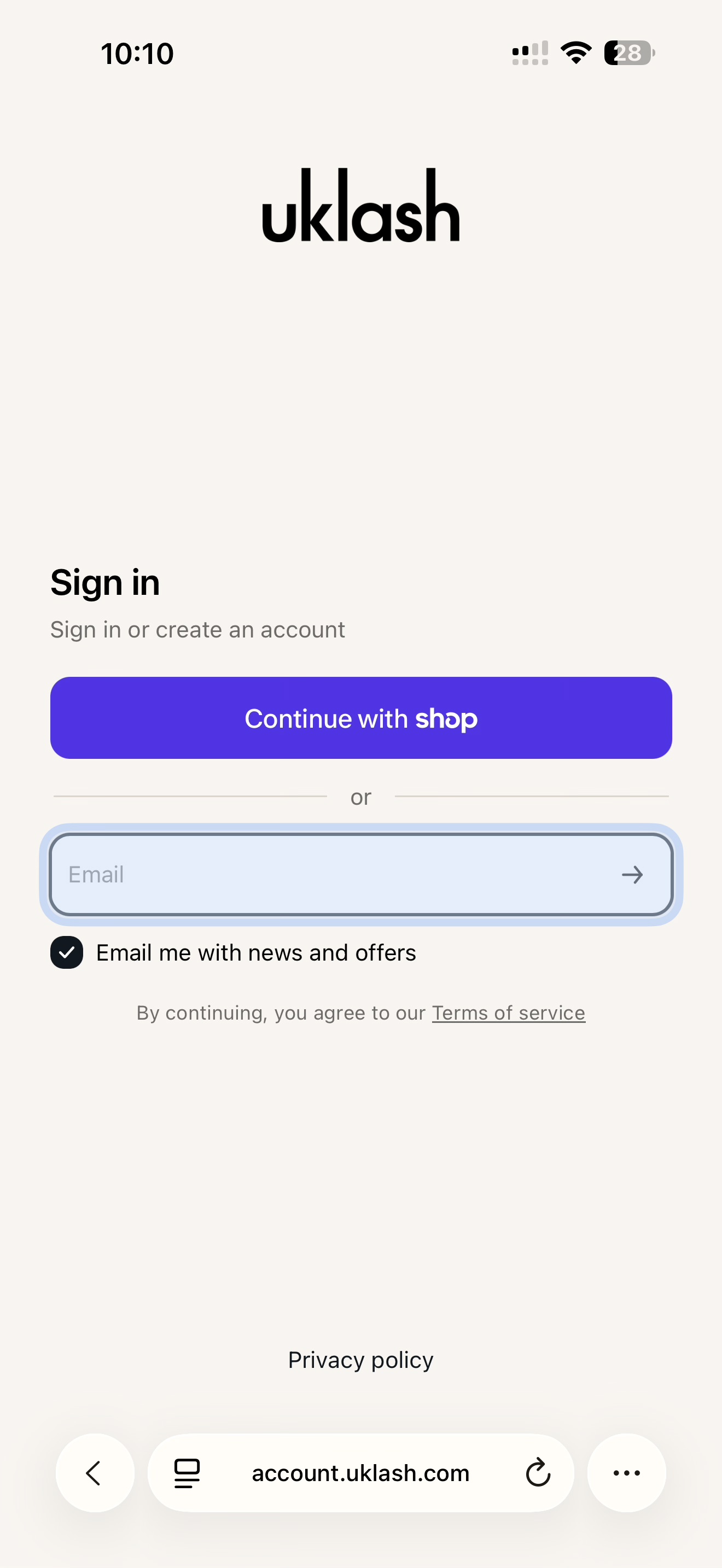
3. Enter your email address.
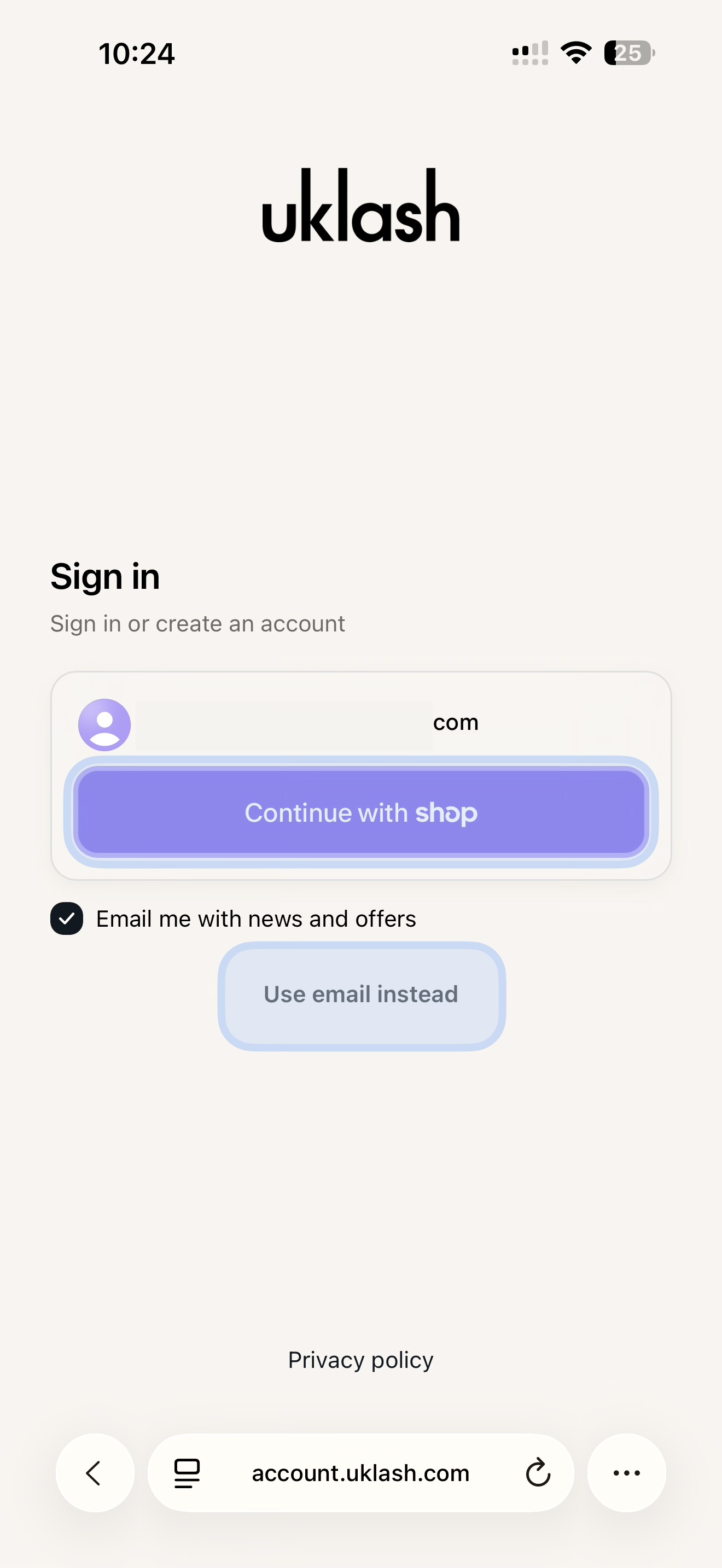
4. Choose whether to log in through Shop or select Use Email Instead.
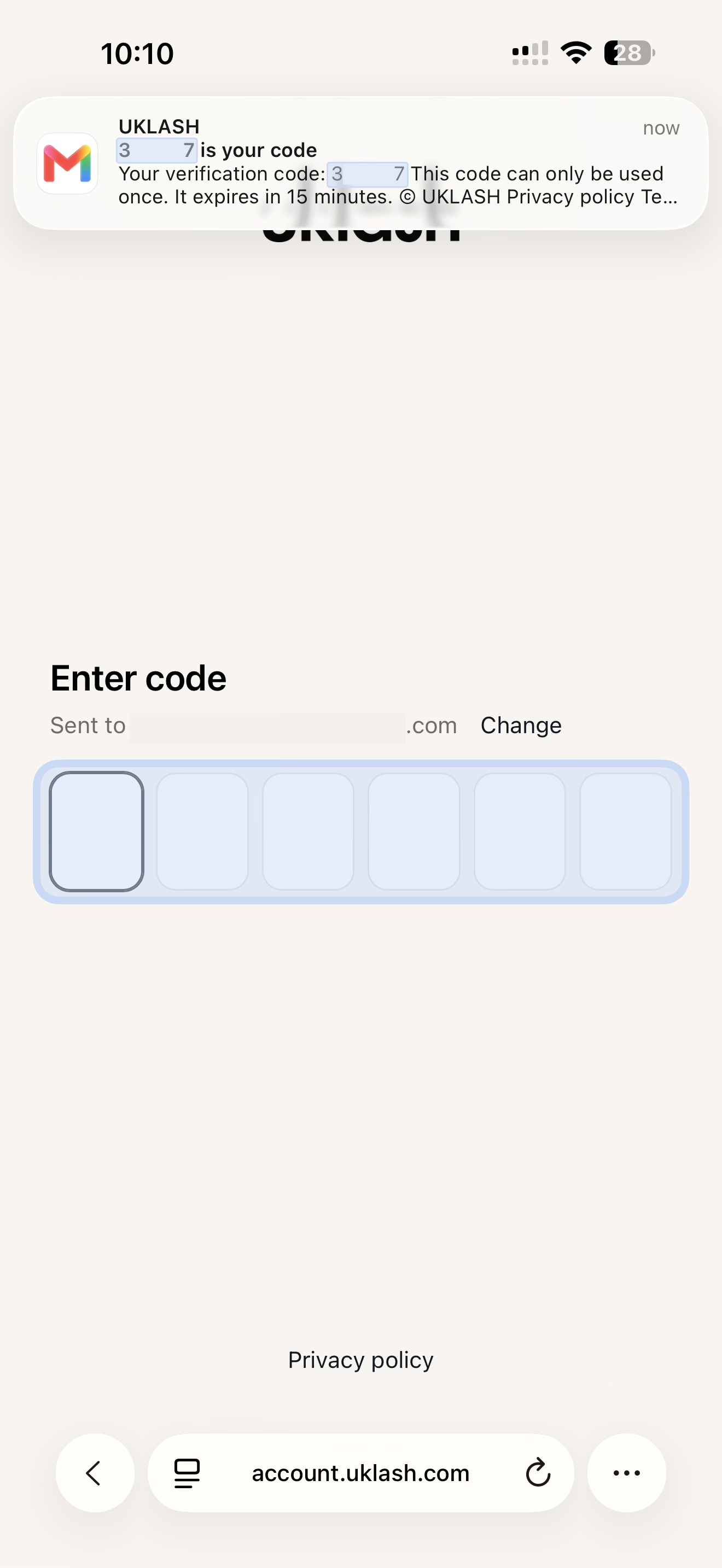
5. If you select Use Email Instead, we’ll send a one-time login code to your email inbox.
6. Enter the code on the sign-in page to access your account.
That’s it! Your account is ready to use.
Important: If your email address uses Gmail, always enter the same version of your address. For example, if you created your account using @gmail.com, continue using @gmail.com rather than @googlemail.com, and vice versa.
Although Google treats these as the same email account, our system may recognise them as two separate UKLASH accounts. If you log in using the other version, you may not be able to see your order history, subscriptions or account details.
If you can’t find the login email, check your spam or junk folder and make sure you entered your email address correctly.