.png)
How Do I Update My Subscription Payment Method?Updated 2 months ago
You can update your payment method through your UKLASH subscription settings.
Important: You must update your payment details from the subscription itself. Updating information in your general account settings will not change the payment method linked to your subscription.
1. Go to uklash.com.
2. Select the My Account icon.
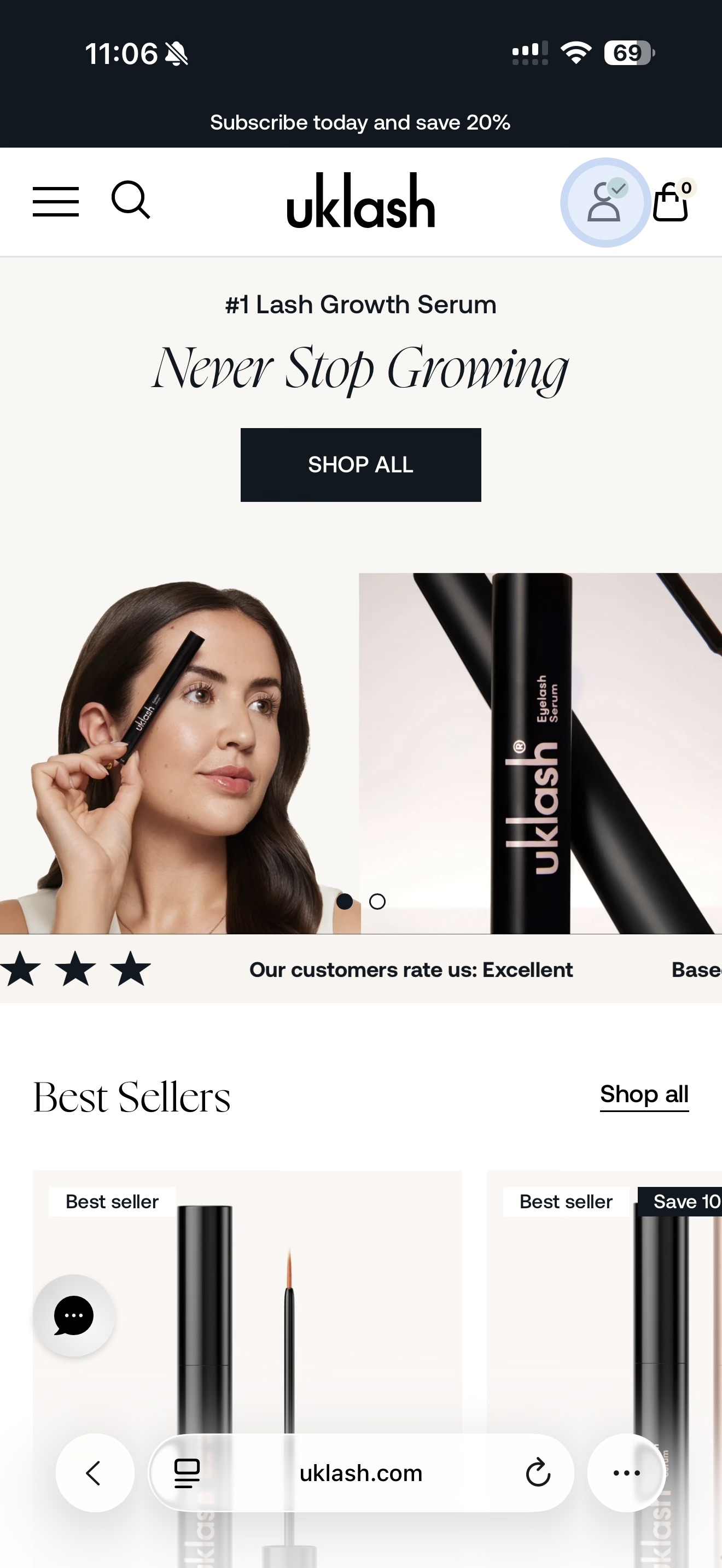
3. Log in to your account.
4. Select Manage Subscriptions.
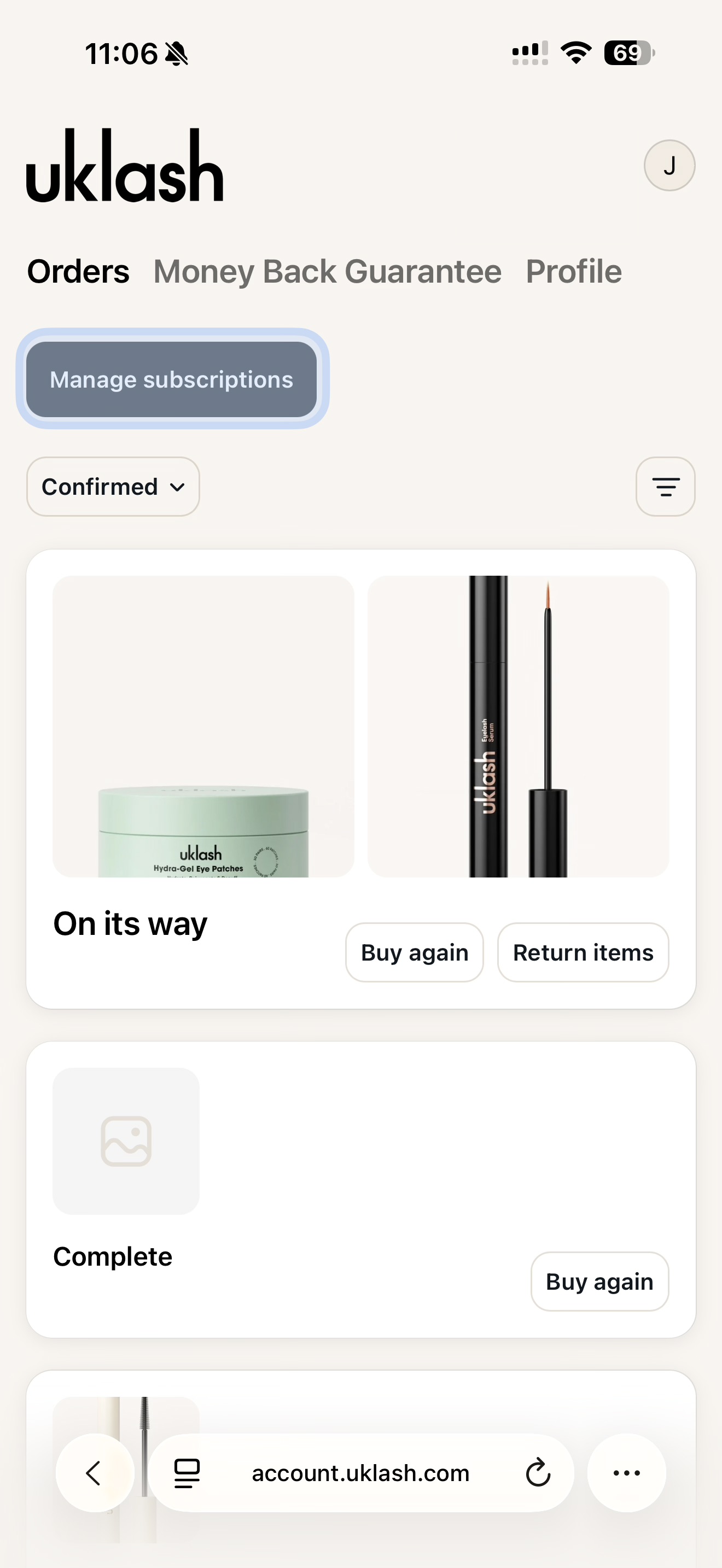
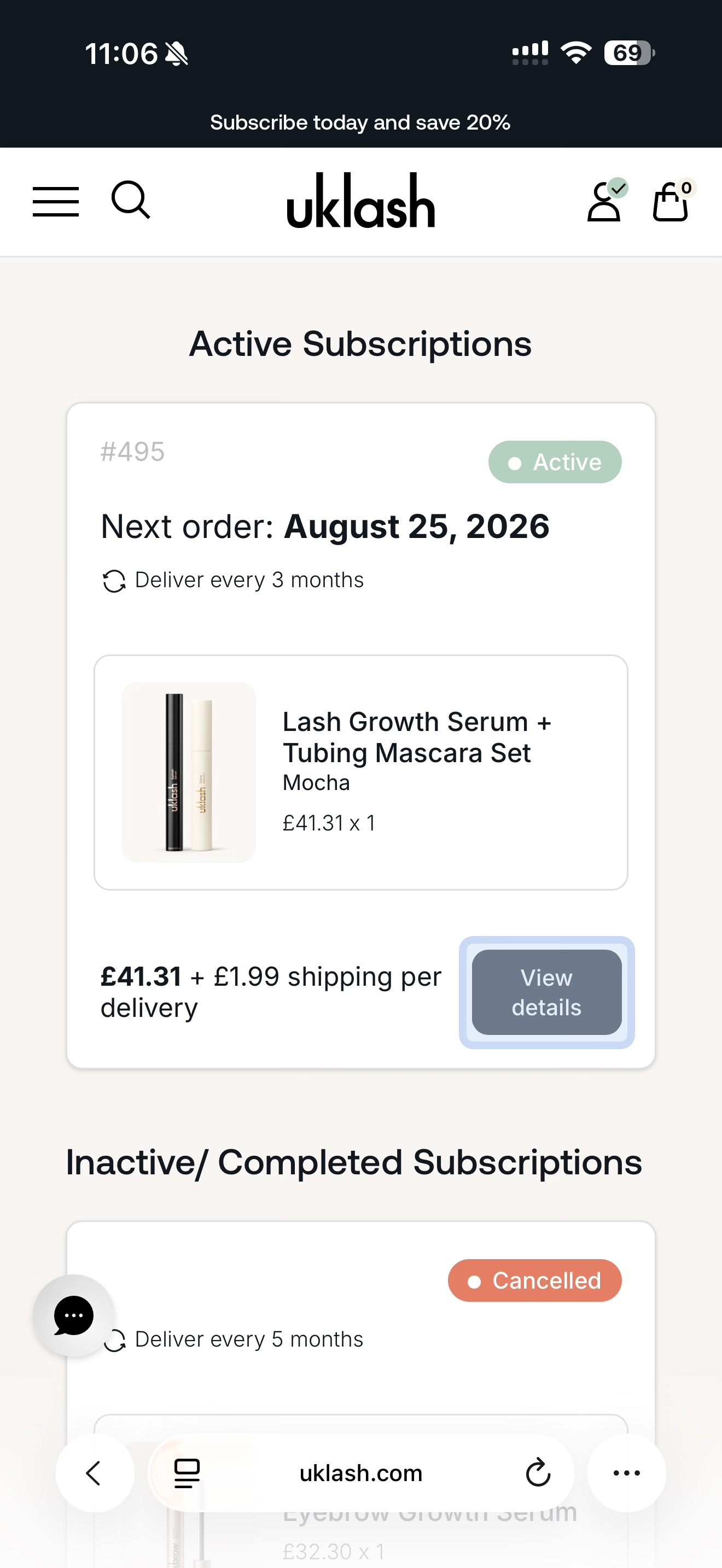
5. Find the subscription you’d like to update.
6. Select View Details.
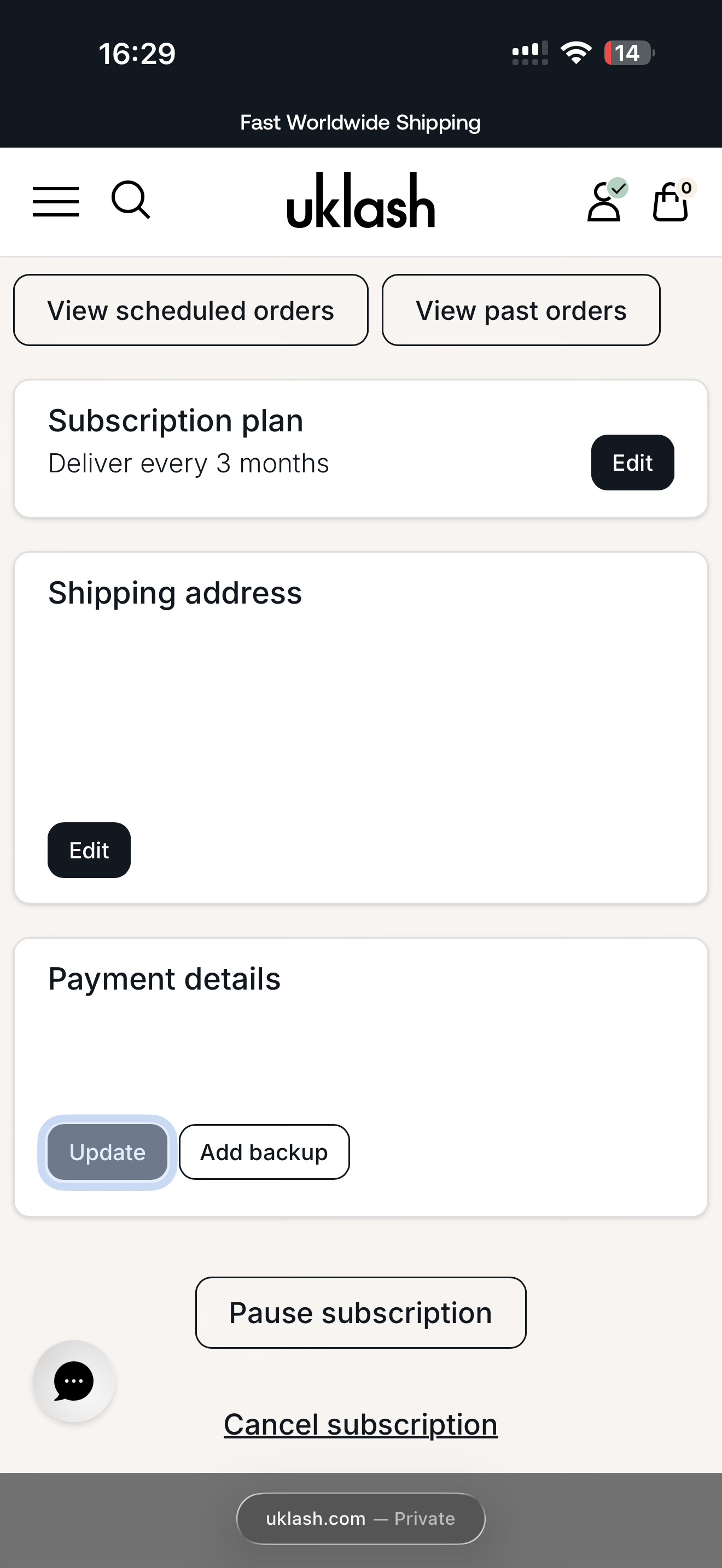
7. Scroll down to the Payment Details section.
8. Select Update.
9. Enter your new card details and billing address.
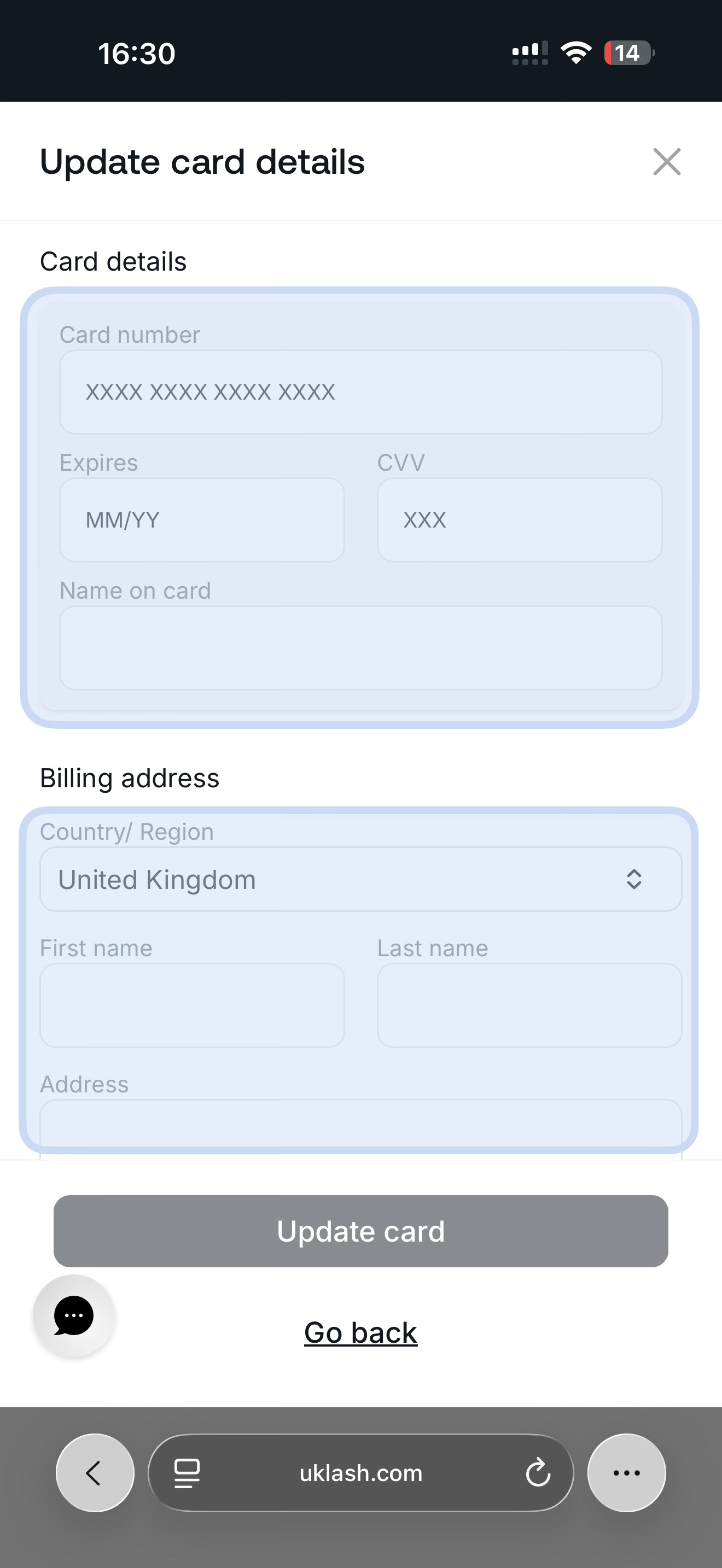
10. Review the information to make sure it’s correct.
11. Select Update Card.
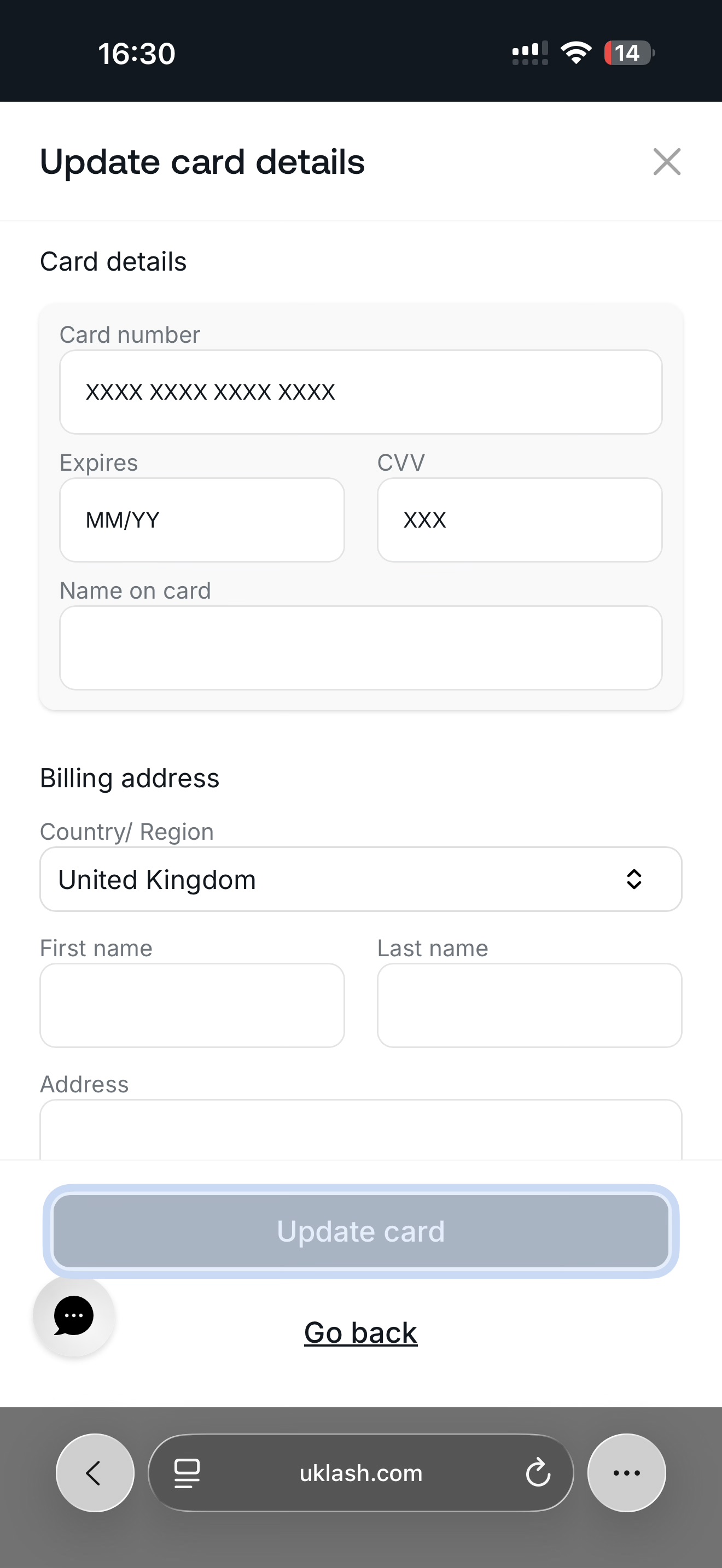
That’s it! Your new payment method will be used for future subscription orders.