.png)
How Do I Skip or Gift My Next Subscription Order?Updated 3 months ago
You can skip your next subscription order or send it to a friend or loved one through your UKLASH account.
1. Go to uklash.com.
2. Select the My Account icon.
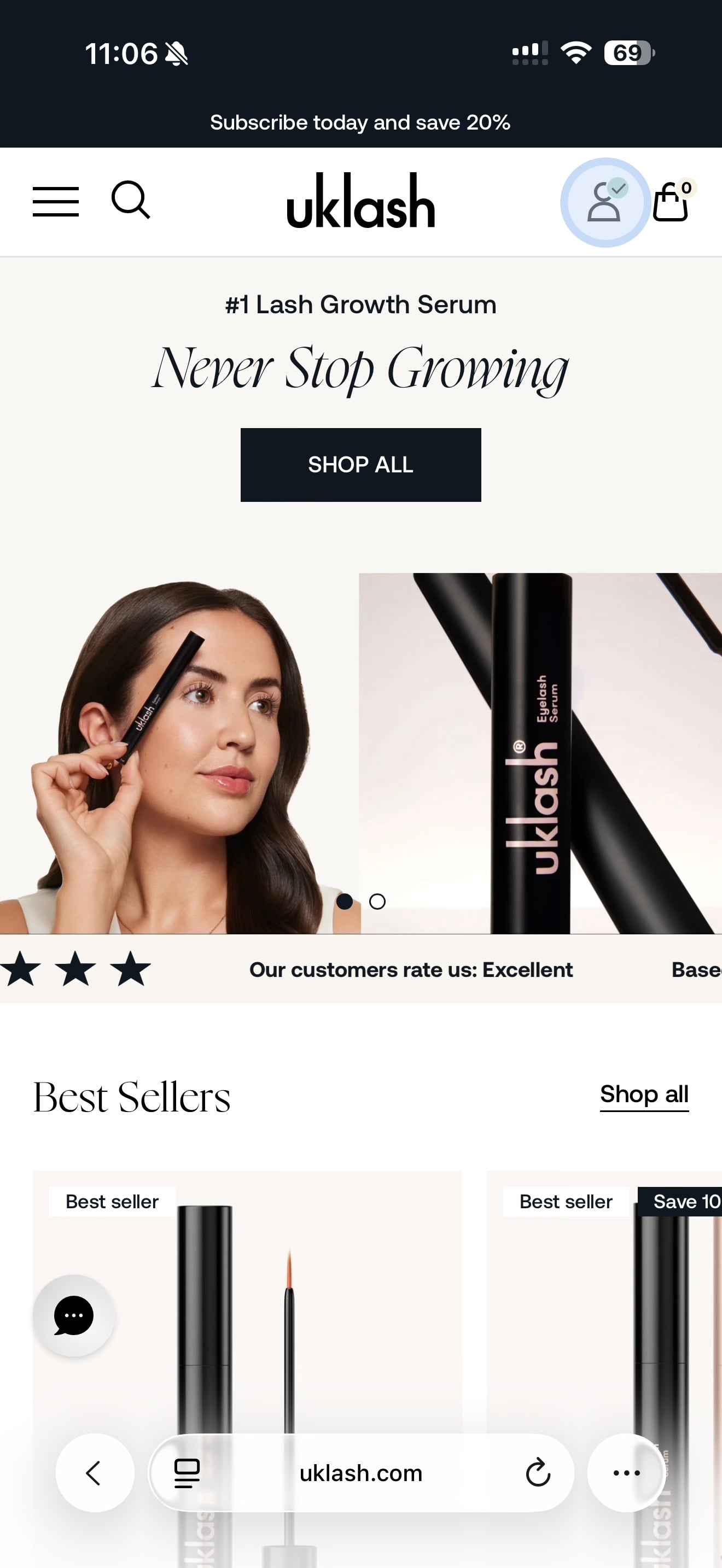
3. Log in to your account.
4. Select Manage Subscriptions.
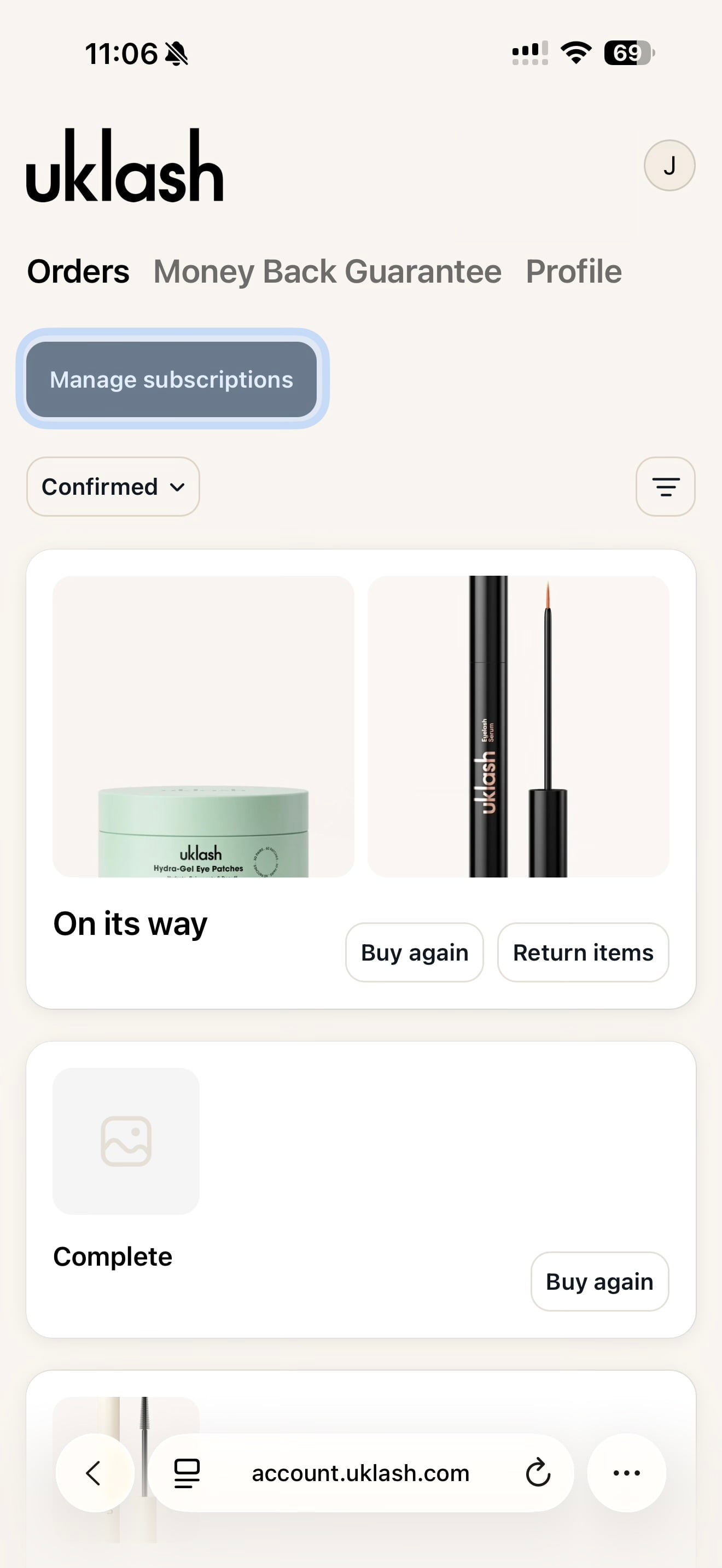
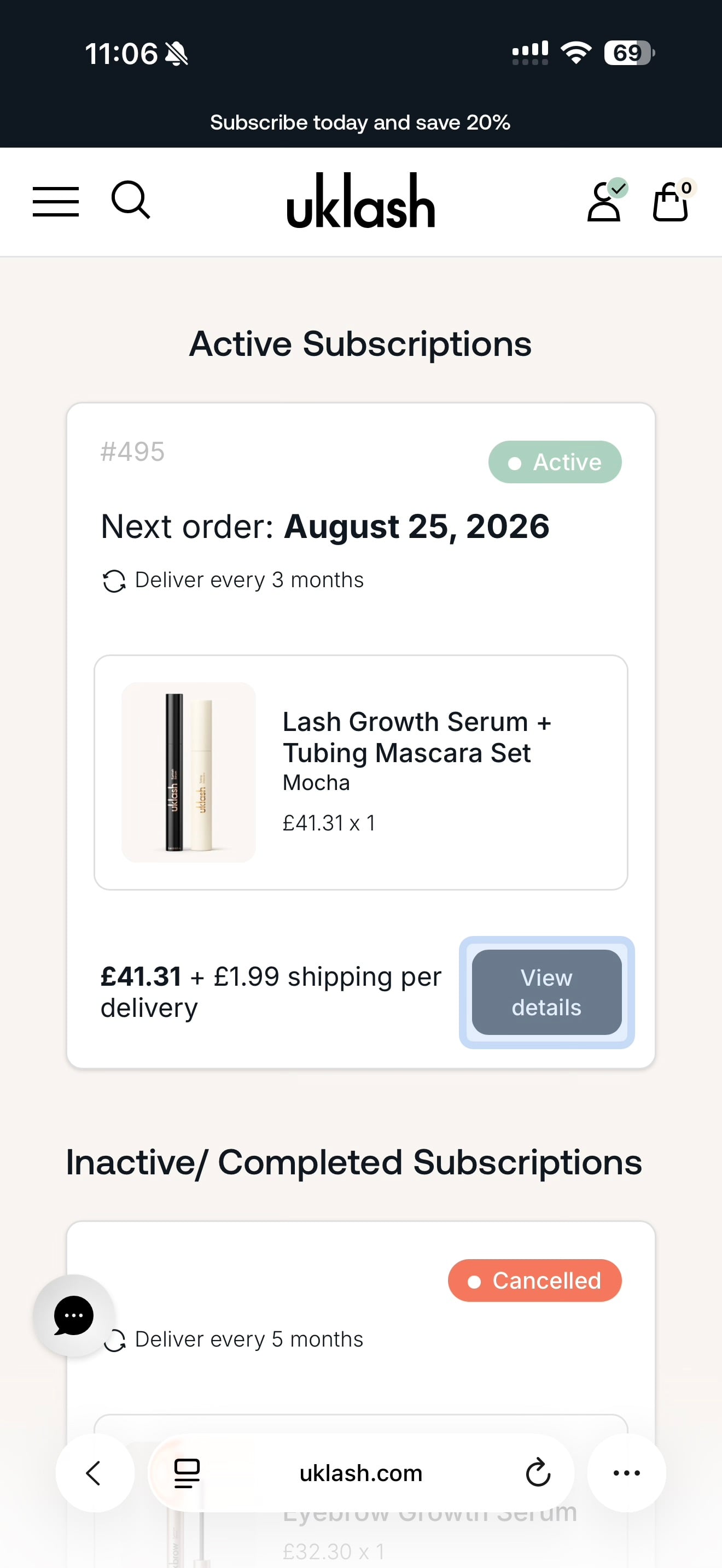
5. Find the subscription you’d like to manage.
6. Select View Details.
7. Select Skip.
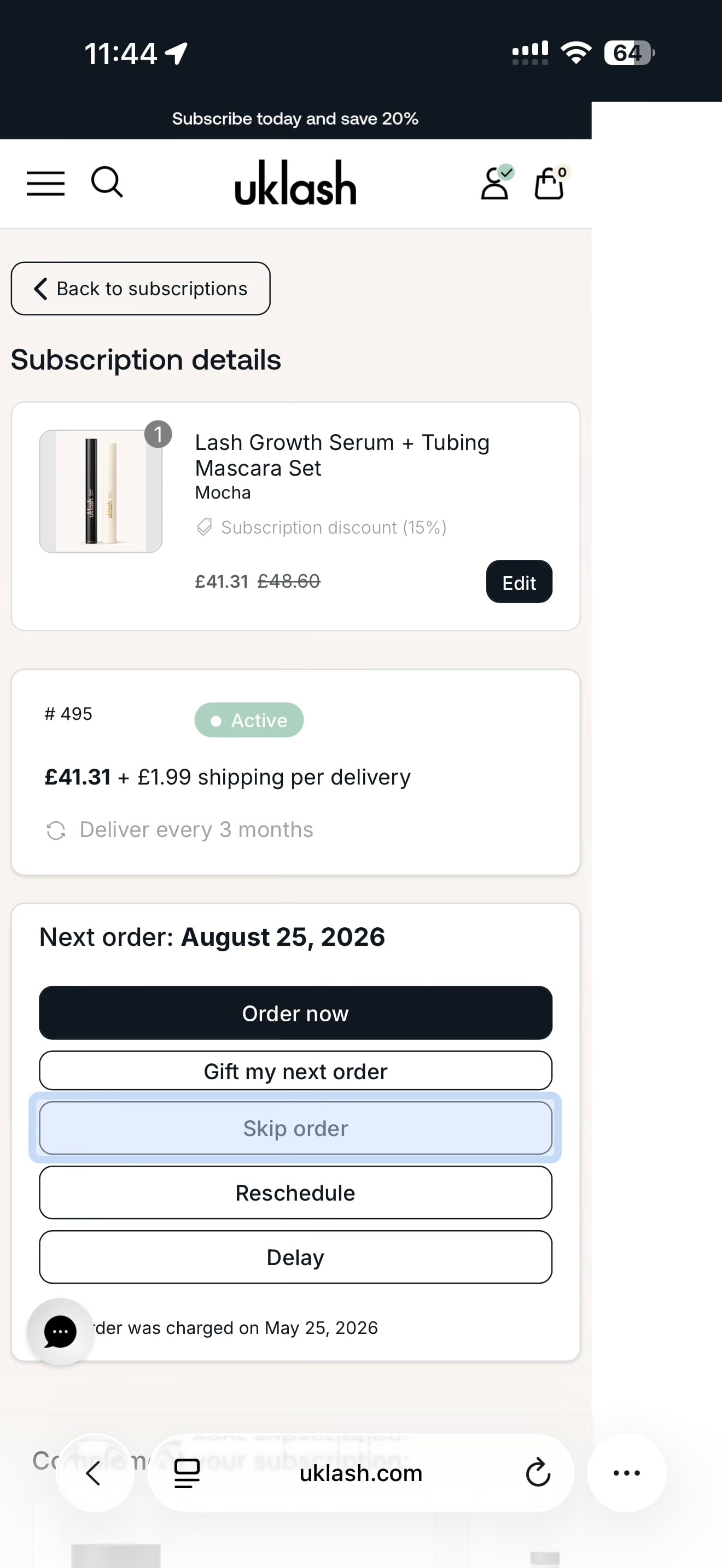
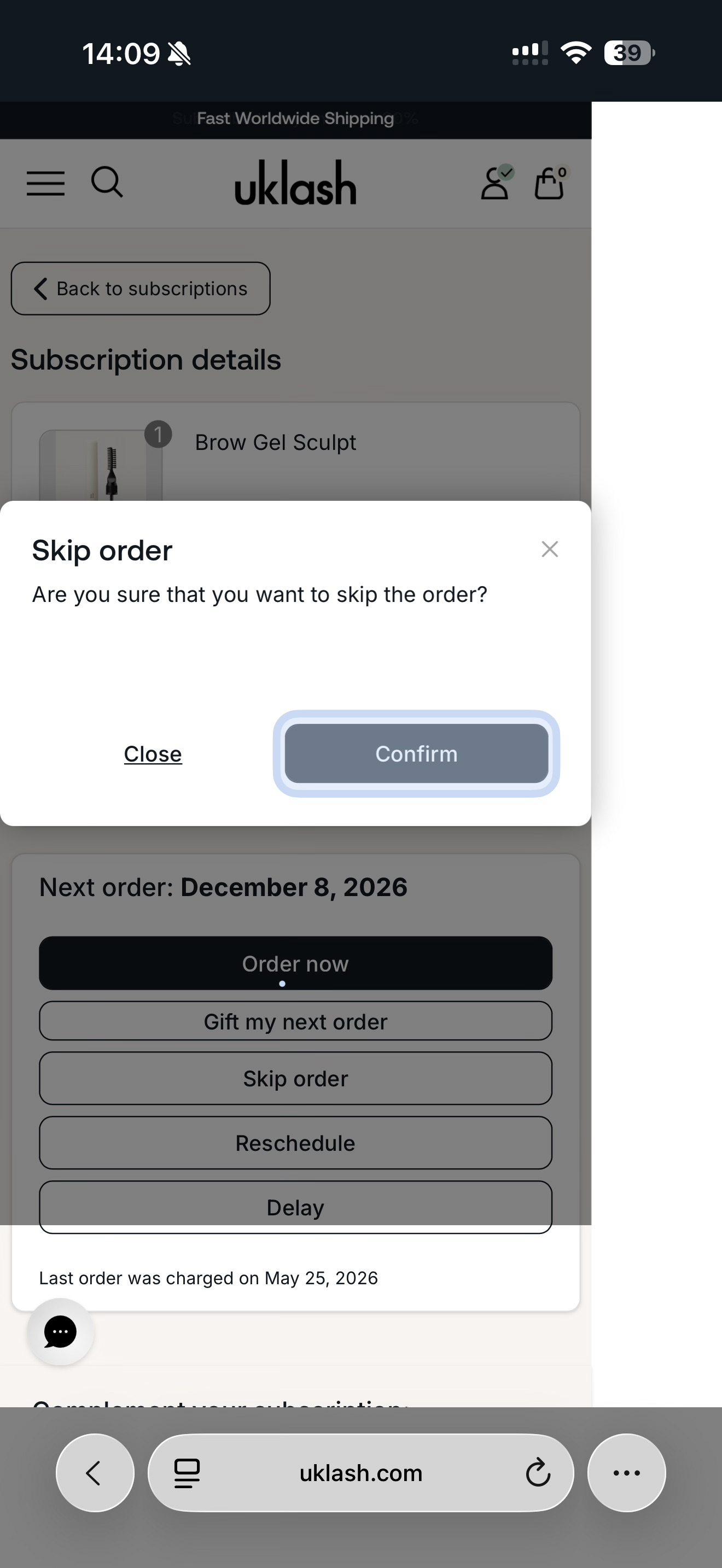
To skip the order:
1. Select Skip Order.
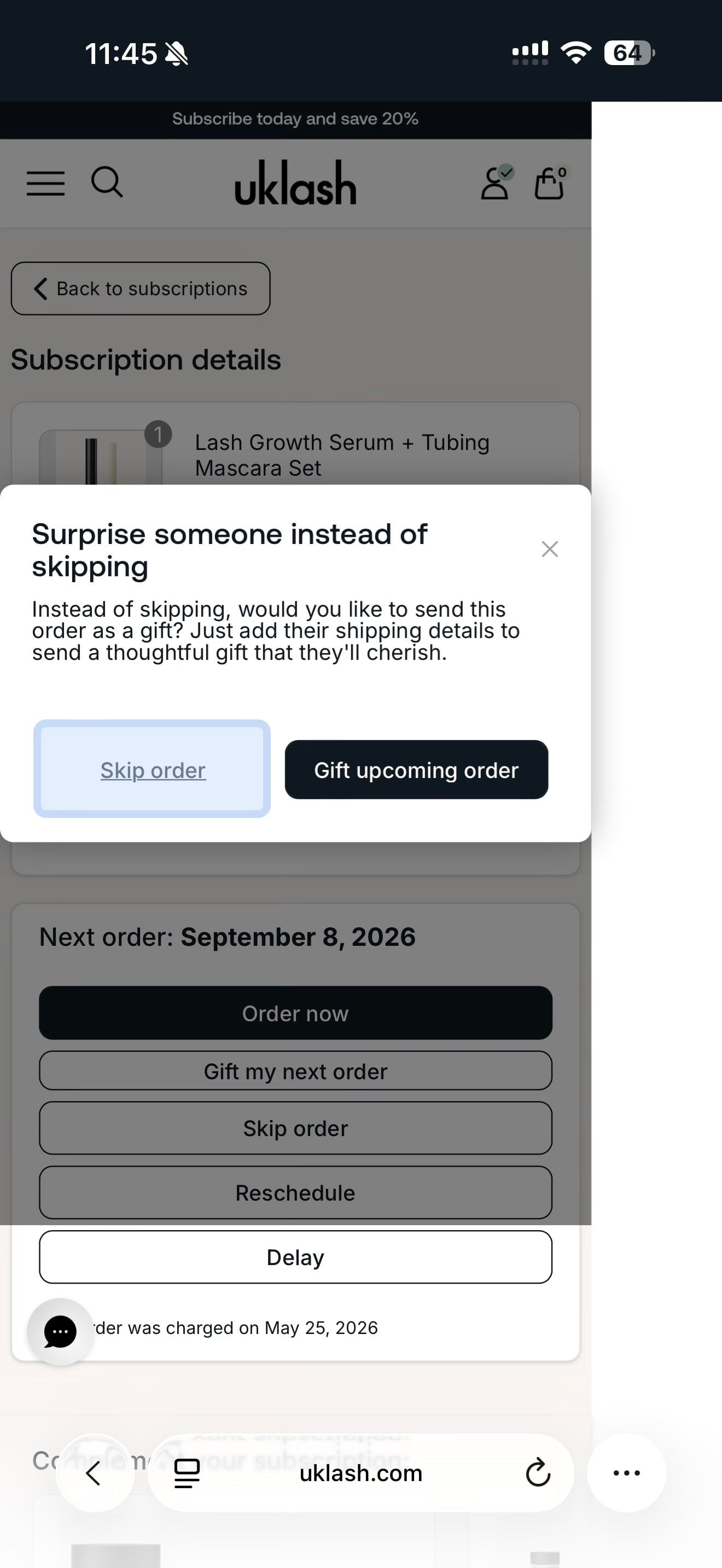
2. Select Confirm.
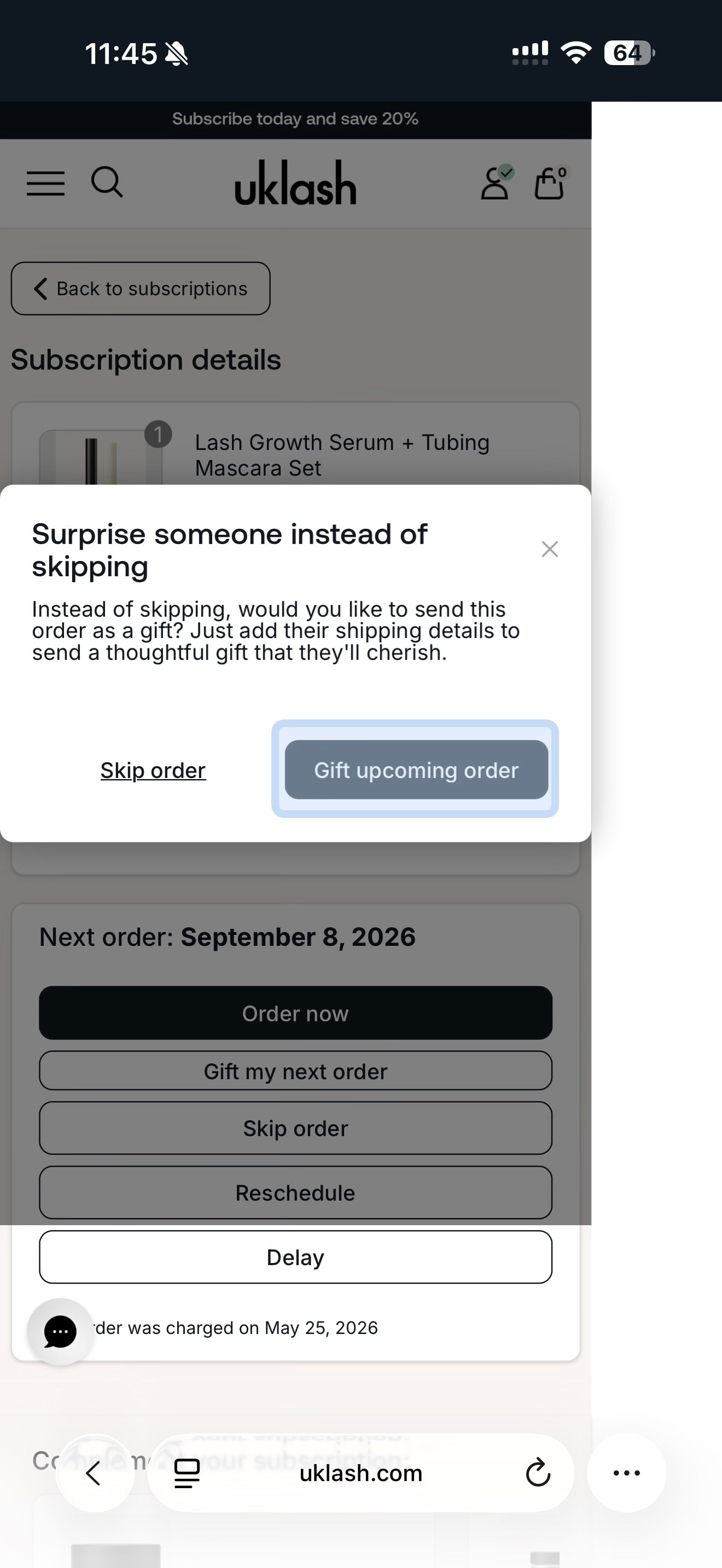
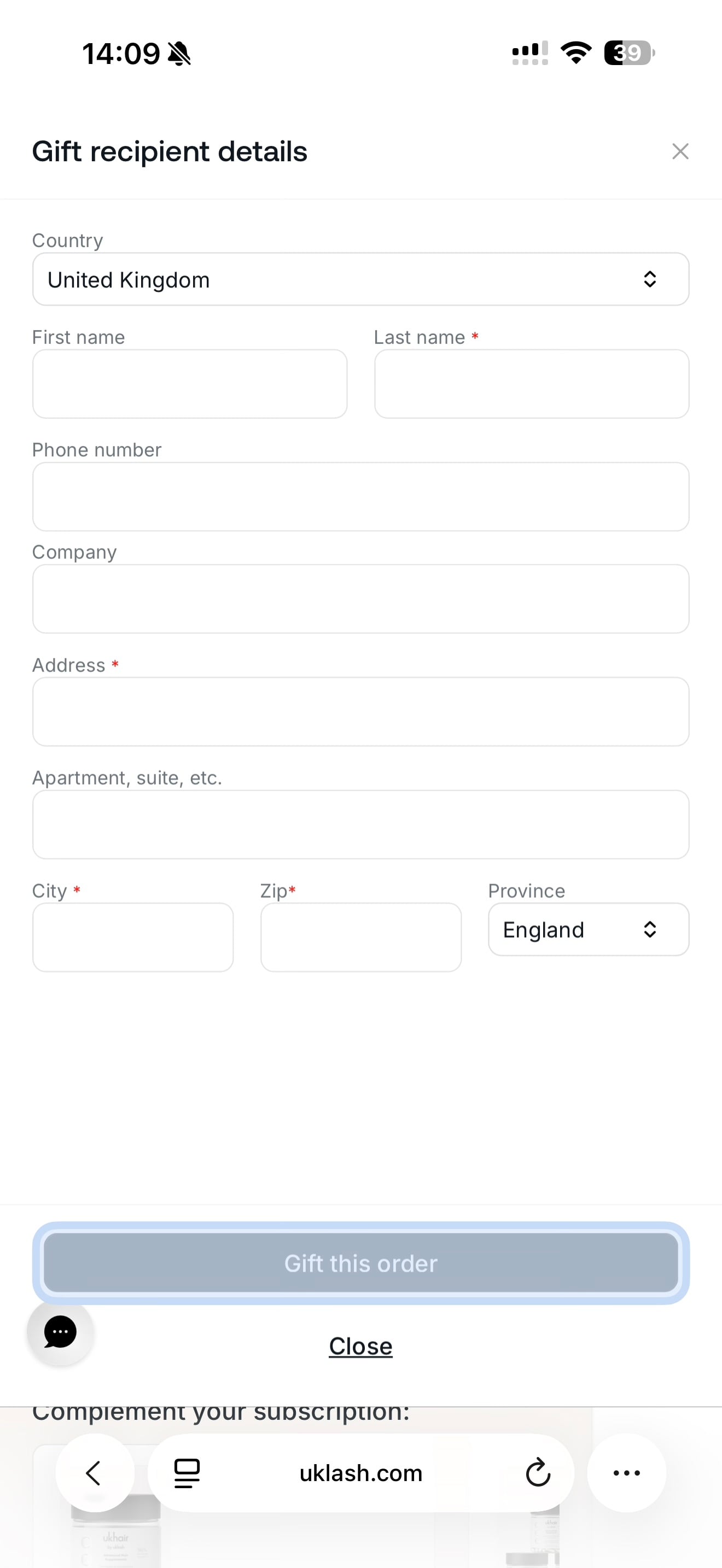
To gift the order:
1. Select the option to gift the order to a friend or loved one.
2. Enter the recipient’s details.
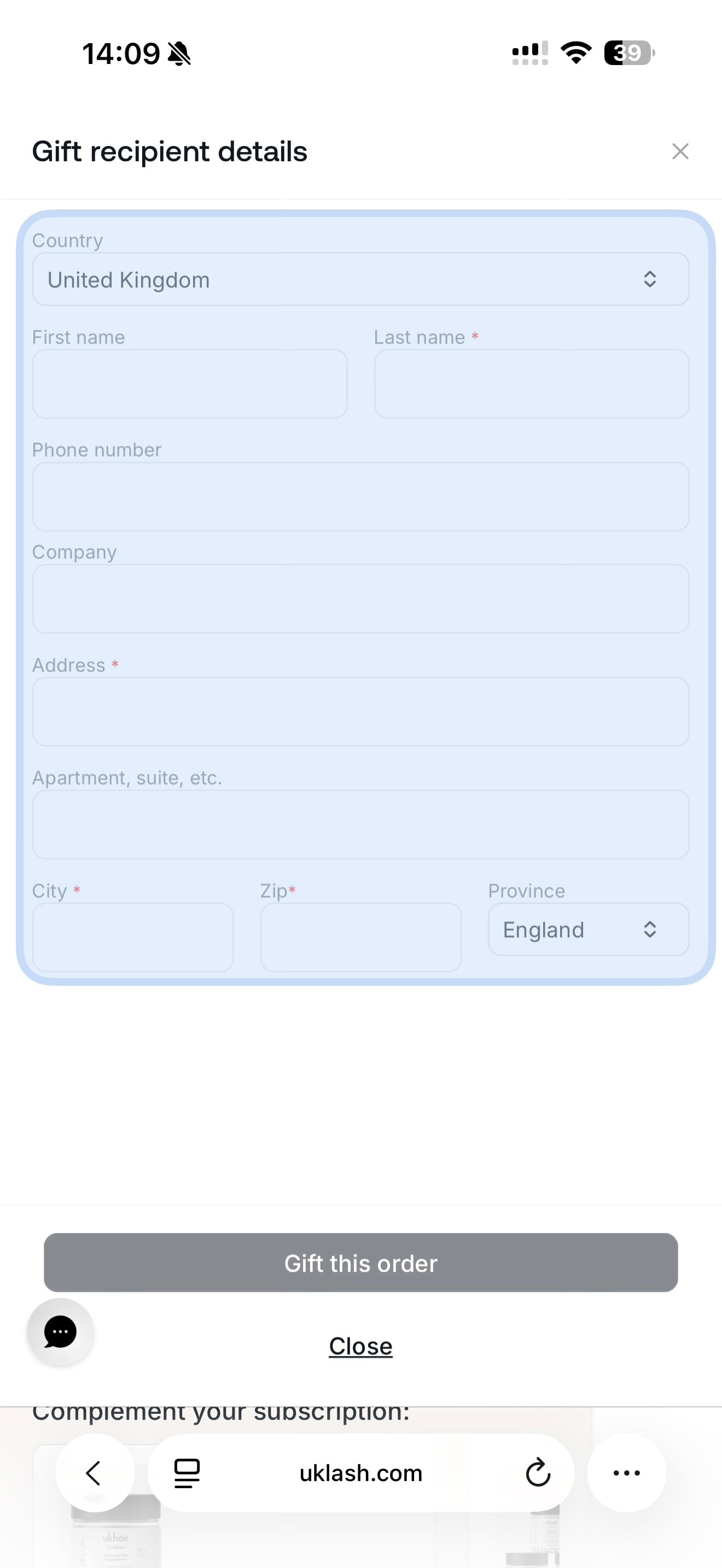
3. Select Gift This Order.
That’s it! Your next order will either be skipped or sent to your chosen recipient.