.png)
How Do I Delay My Subscription?Updated 3 months ago
Need a little more time before your next subscription order? You can delay it easily through your UKLASH account.
1. Go to uklash.com.
2. Select the My Account icon.

3. Log in to your account.
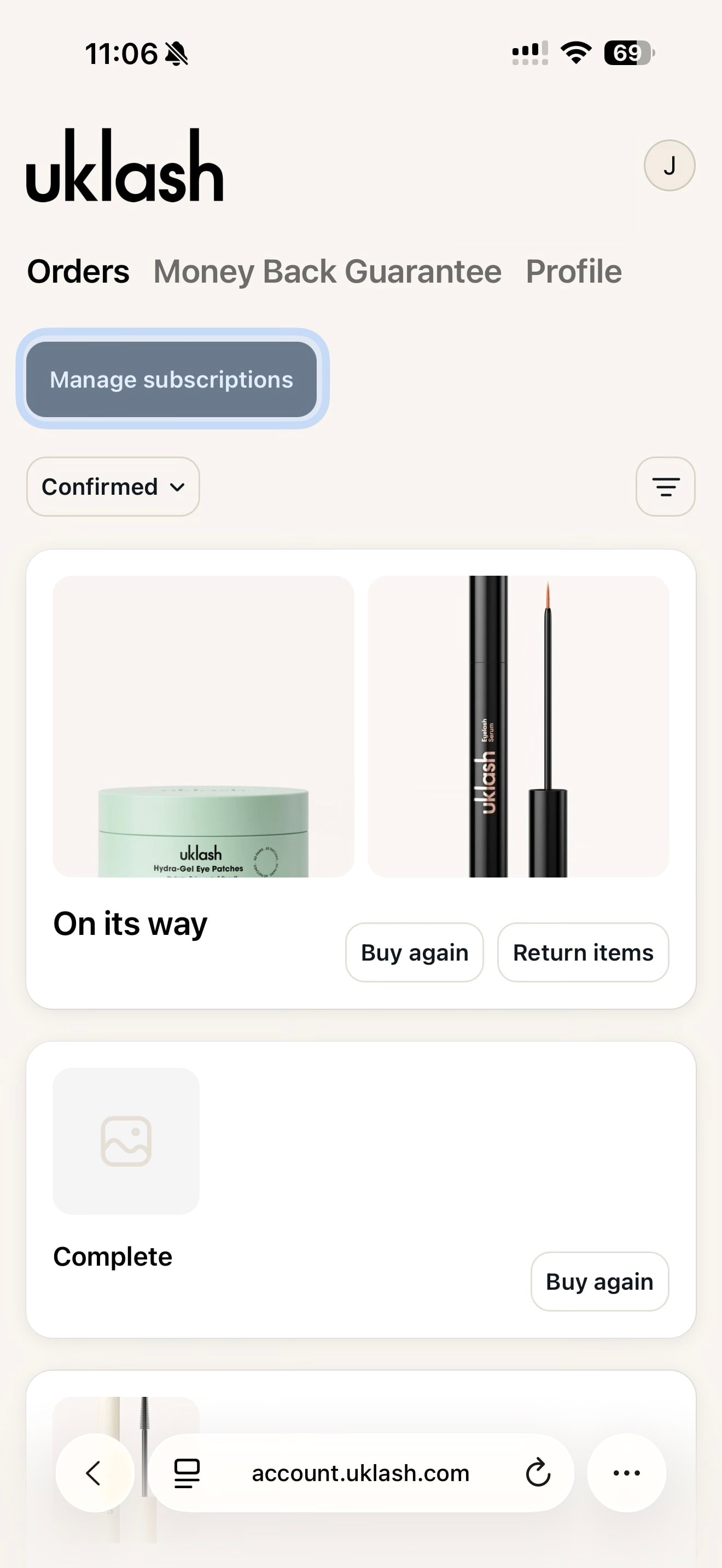
4. Select Manage Subscriptions.
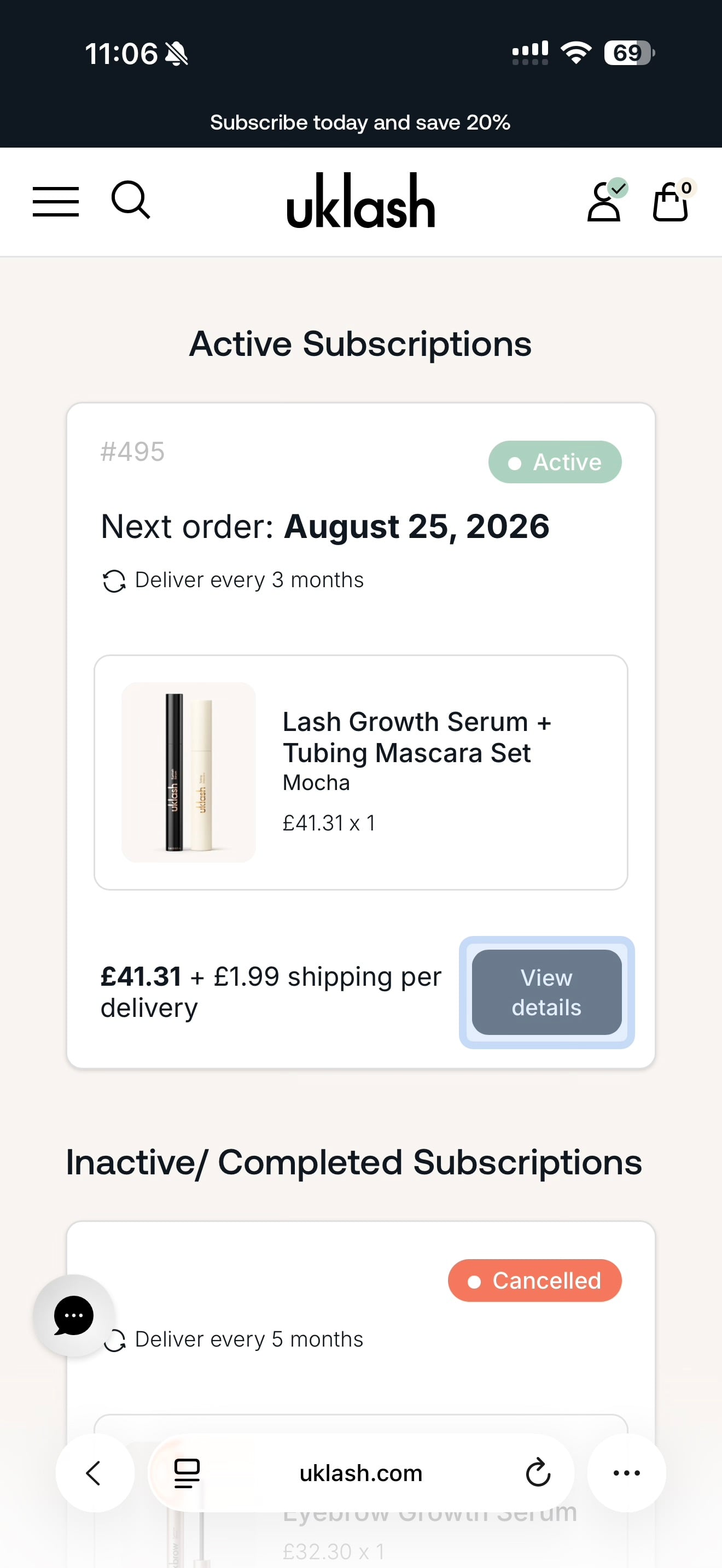
5. Find the subscription you’d like to delay.
6. Select View Details.
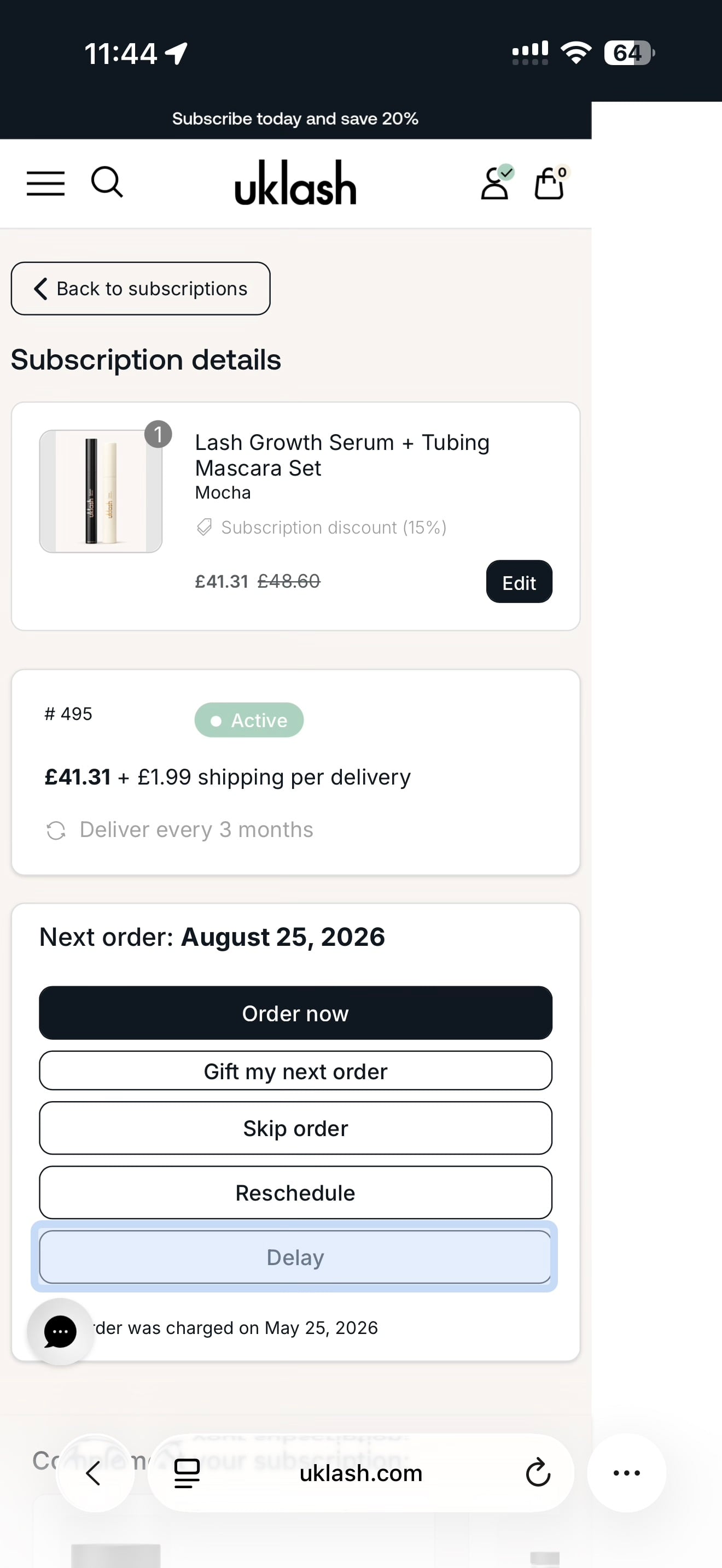
7. Select Delay.
8. Choose a suggested timeframe or select a specific date.
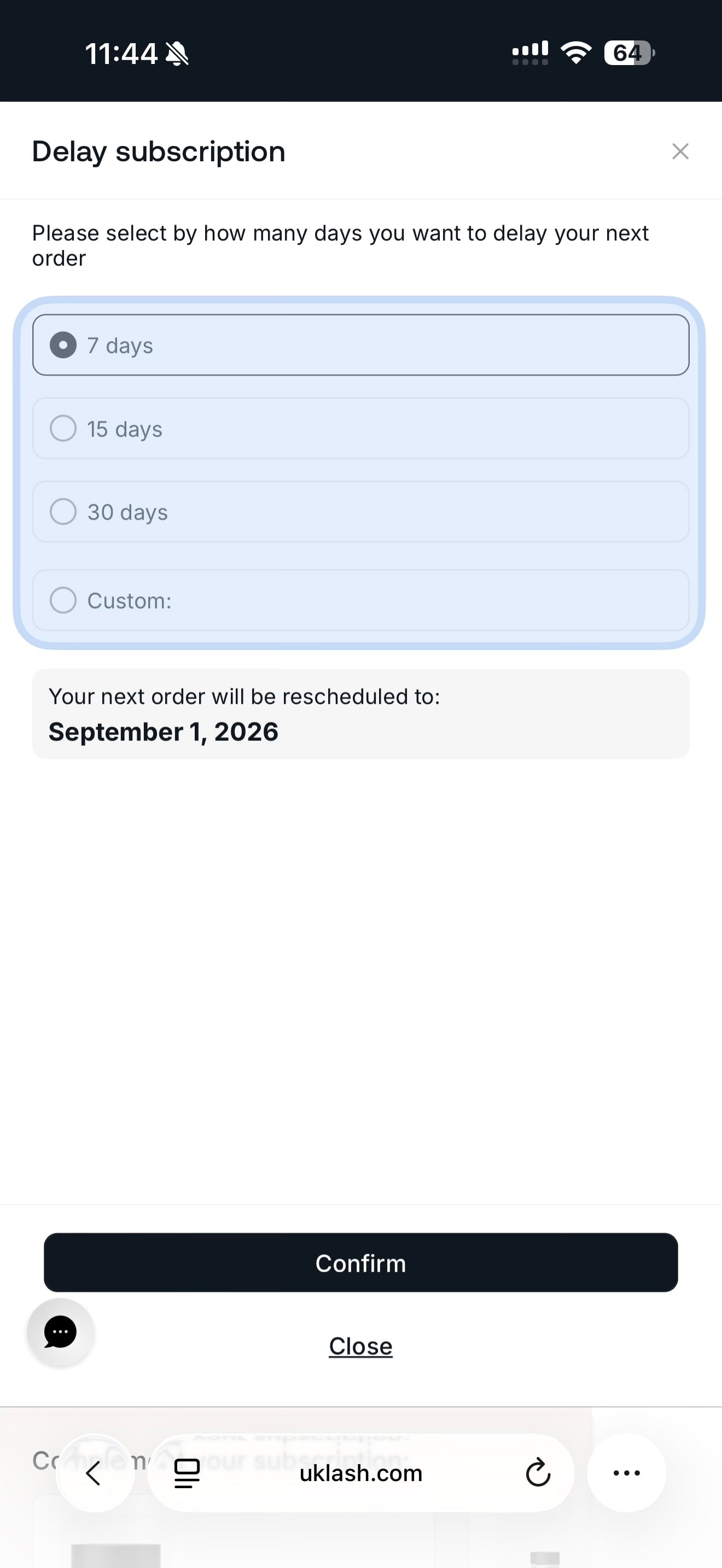
9. Select Confirm.
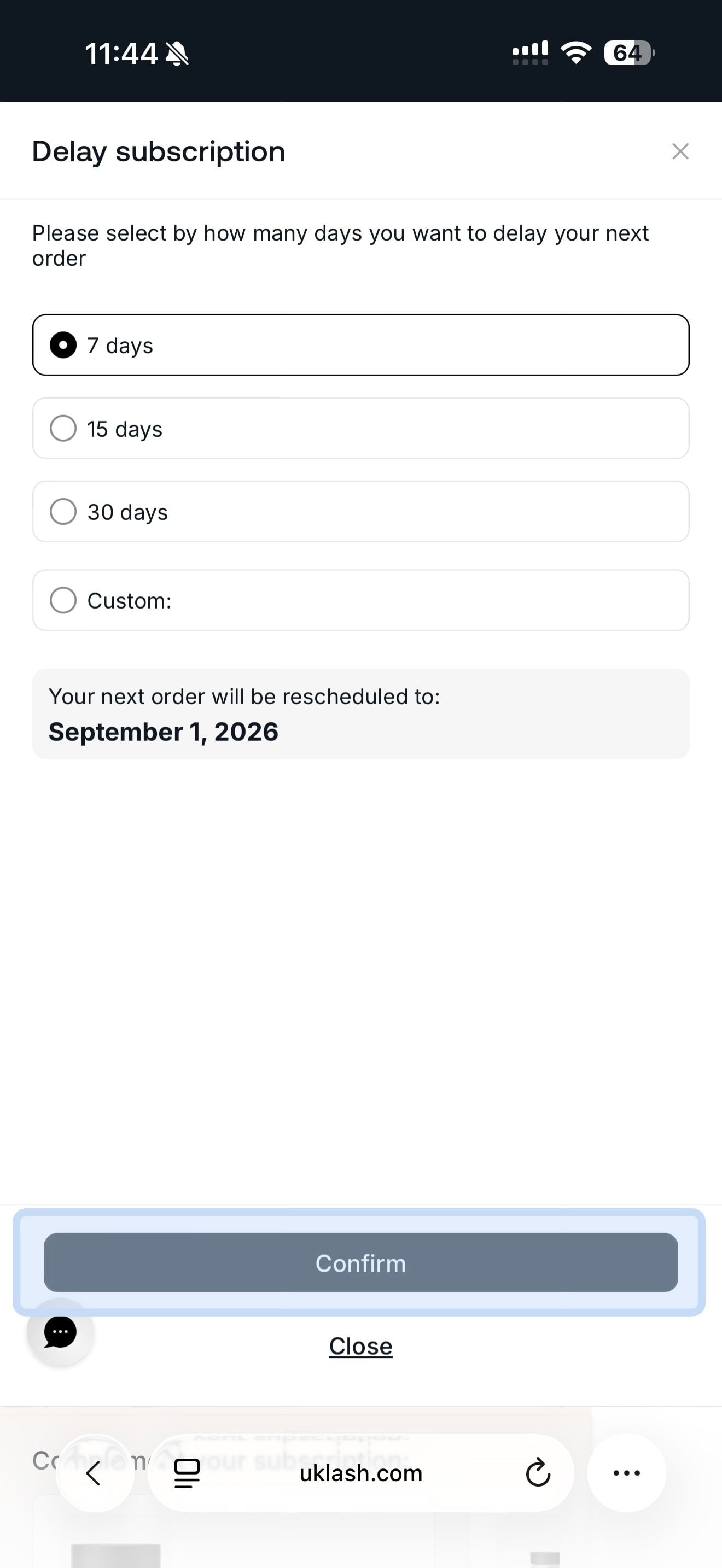
That’s it! Your subscription’s next order date will be updated.