.png)
How Do I Cancel My Subscription?Updated 2 months ago
Of course, you can cancel your subscription at any time.
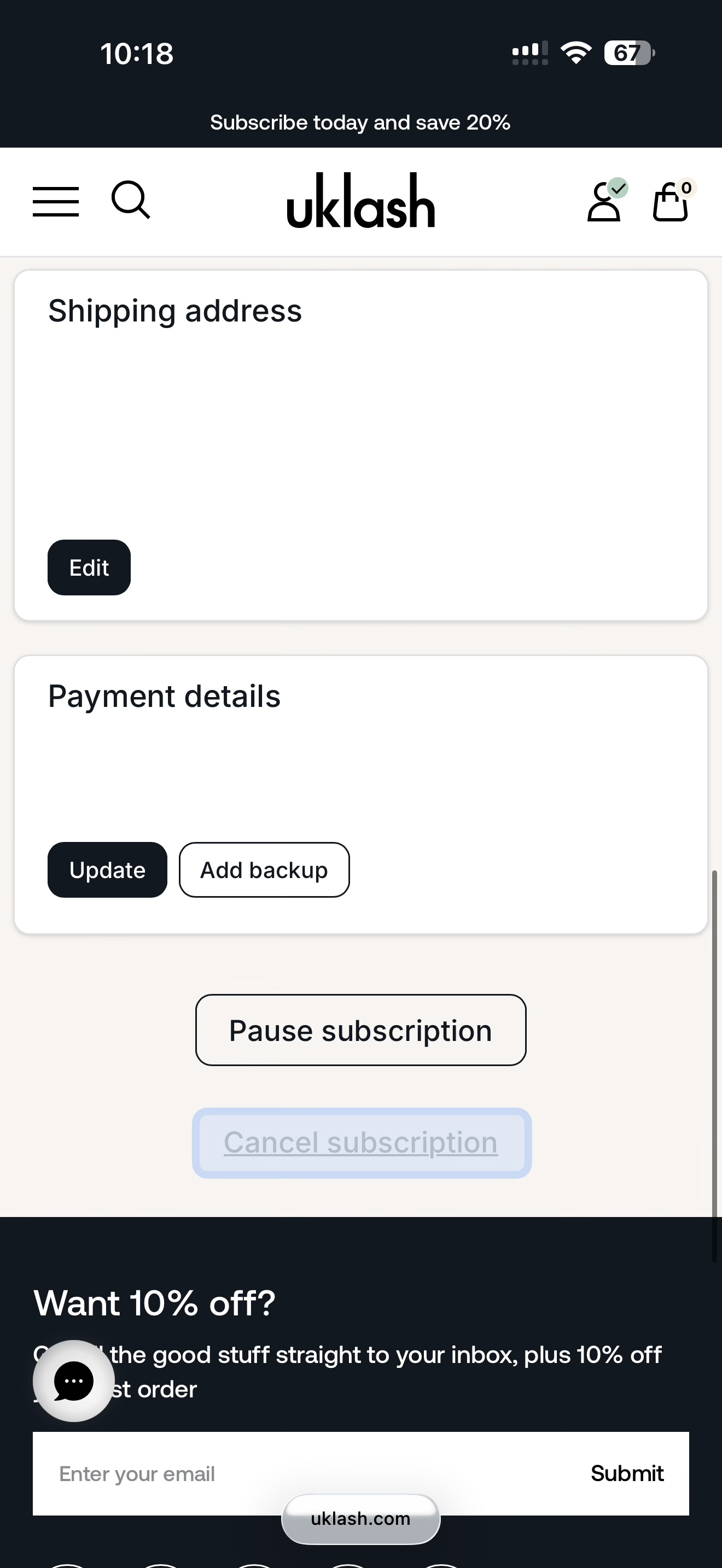
Please note: You won’t be able to cancel your subscription through your account until you’ve received your first subscription order. Until then, you’ll see the pop-up below when you visit your subscription page.
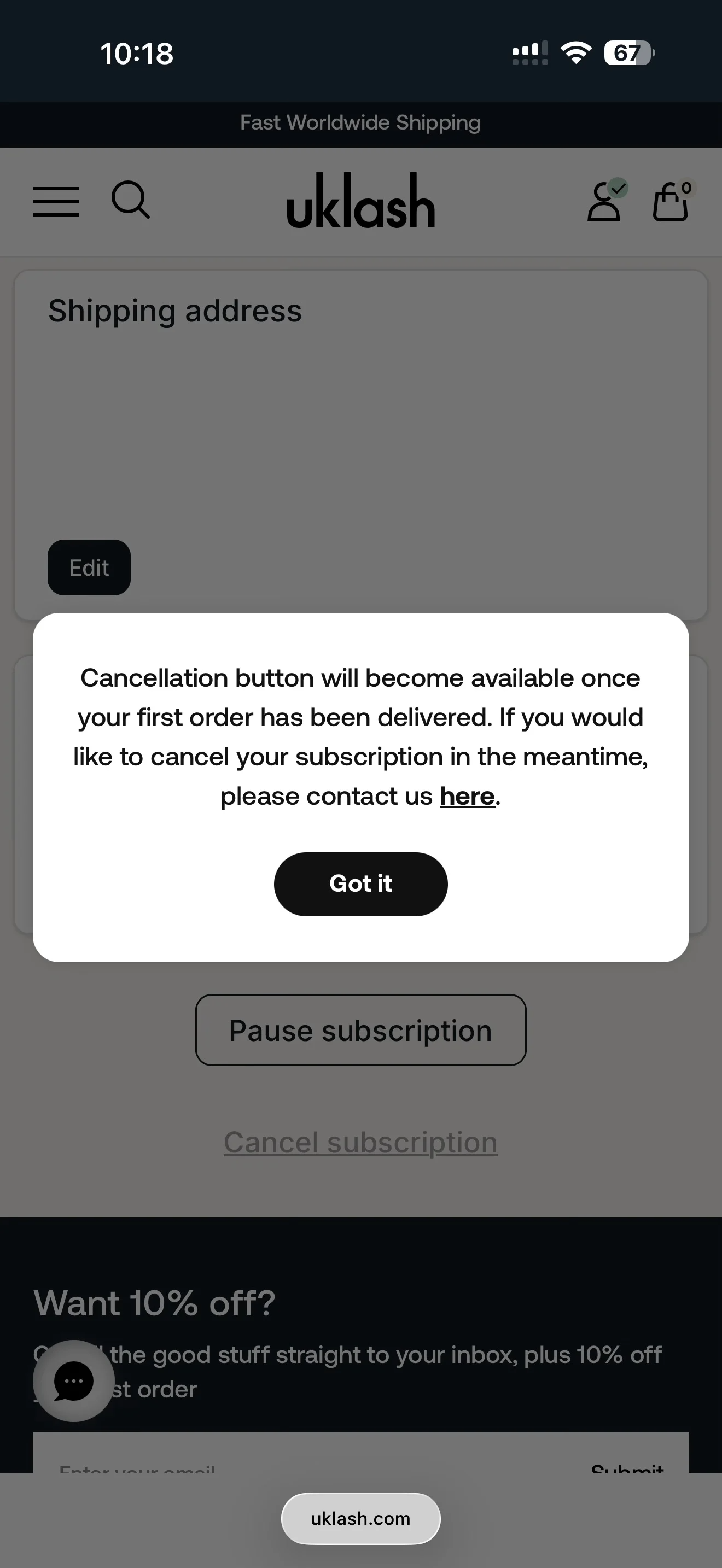
If you’ve recently placed your first subscription order and would like to make an amendment to your subscription for future orders, please contact our Customer Care team by tapping the “Get Support” button at the bottom of this page.
Please note that any changes to your subscription will apply only to future subscription orders and will not affect orders already processed.
You can cancel your UKLASH subscription through your online account by following the steps below:
1. Go to uklash.com.
2. Select the My Account icon.
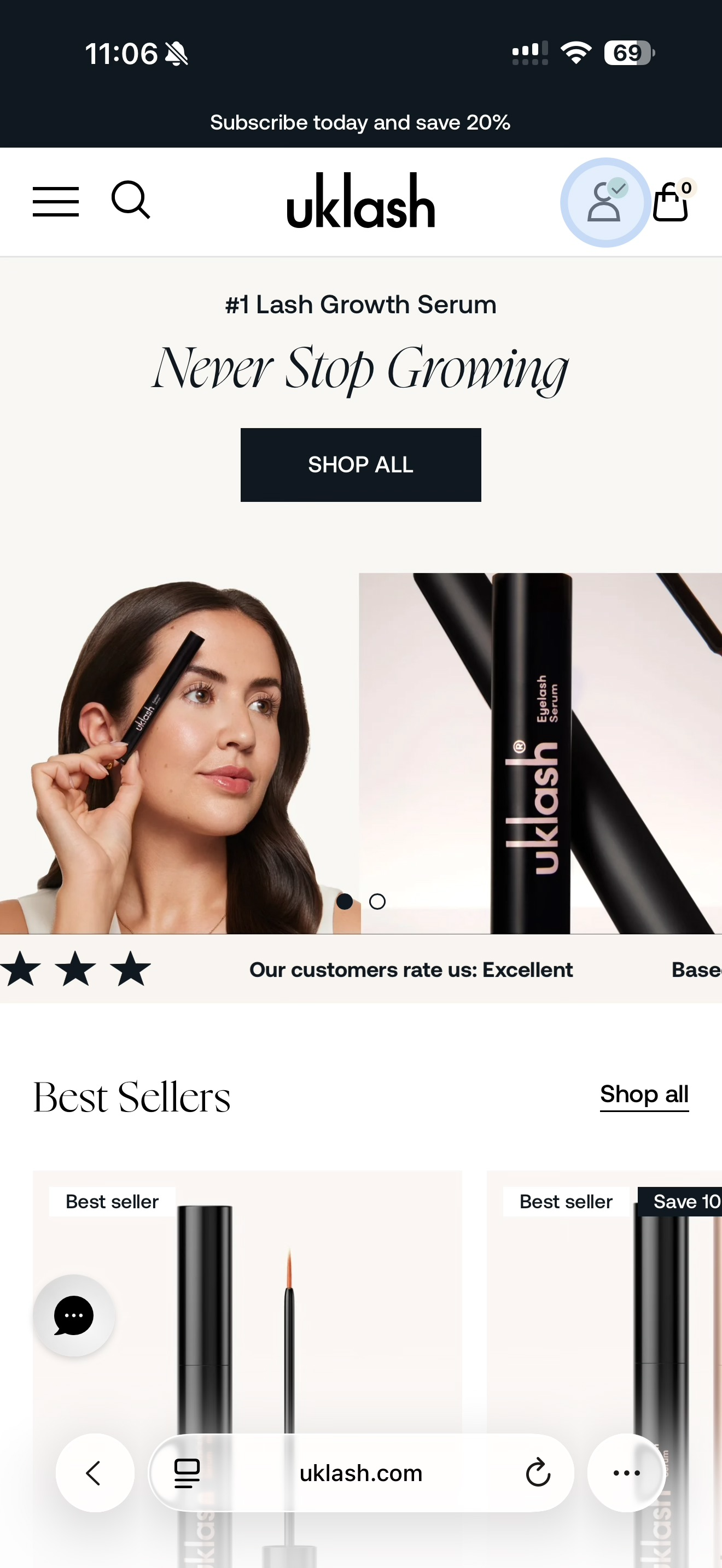
3. Log in to your account.
4. Select Manage Subscriptions.
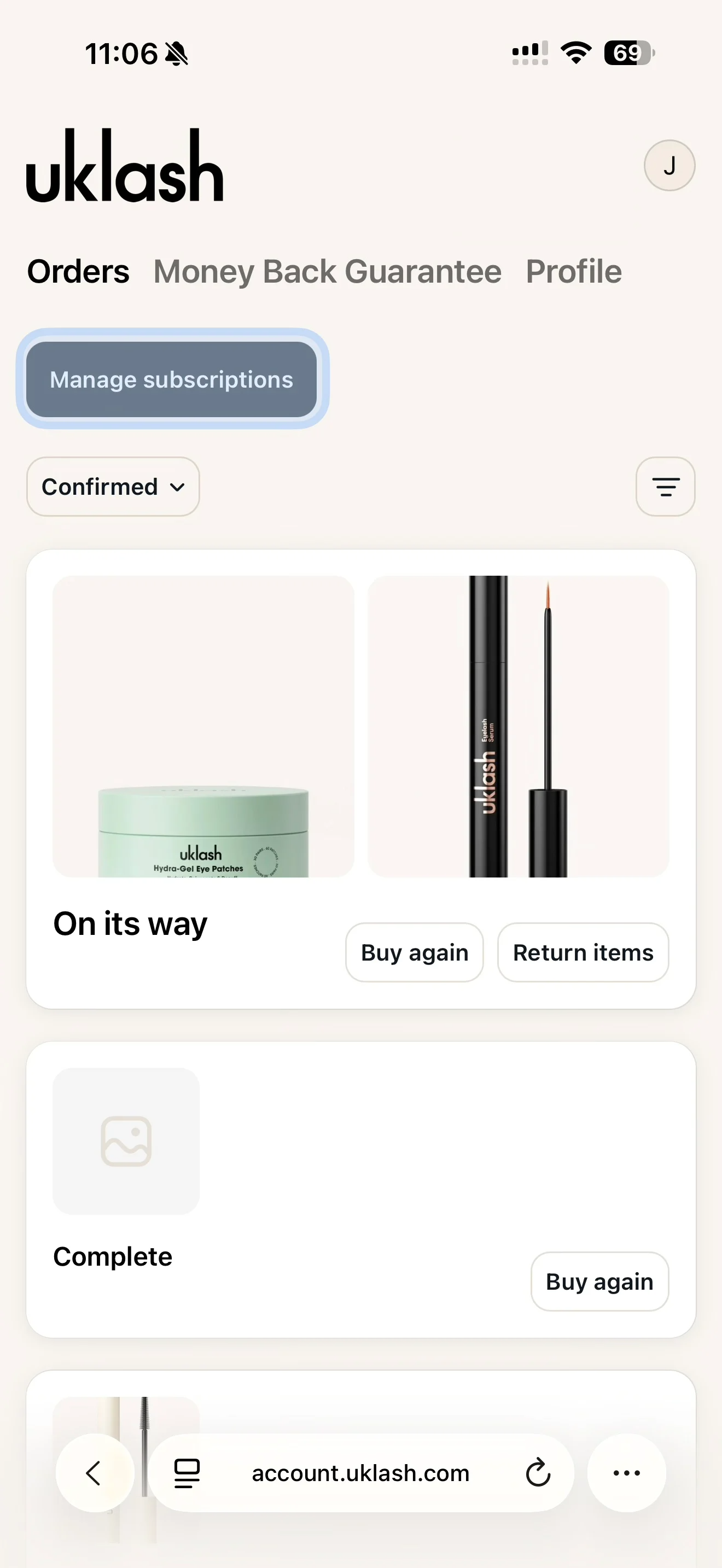
5. Find the subscription you’d like to cancel.
6. Select View Details.
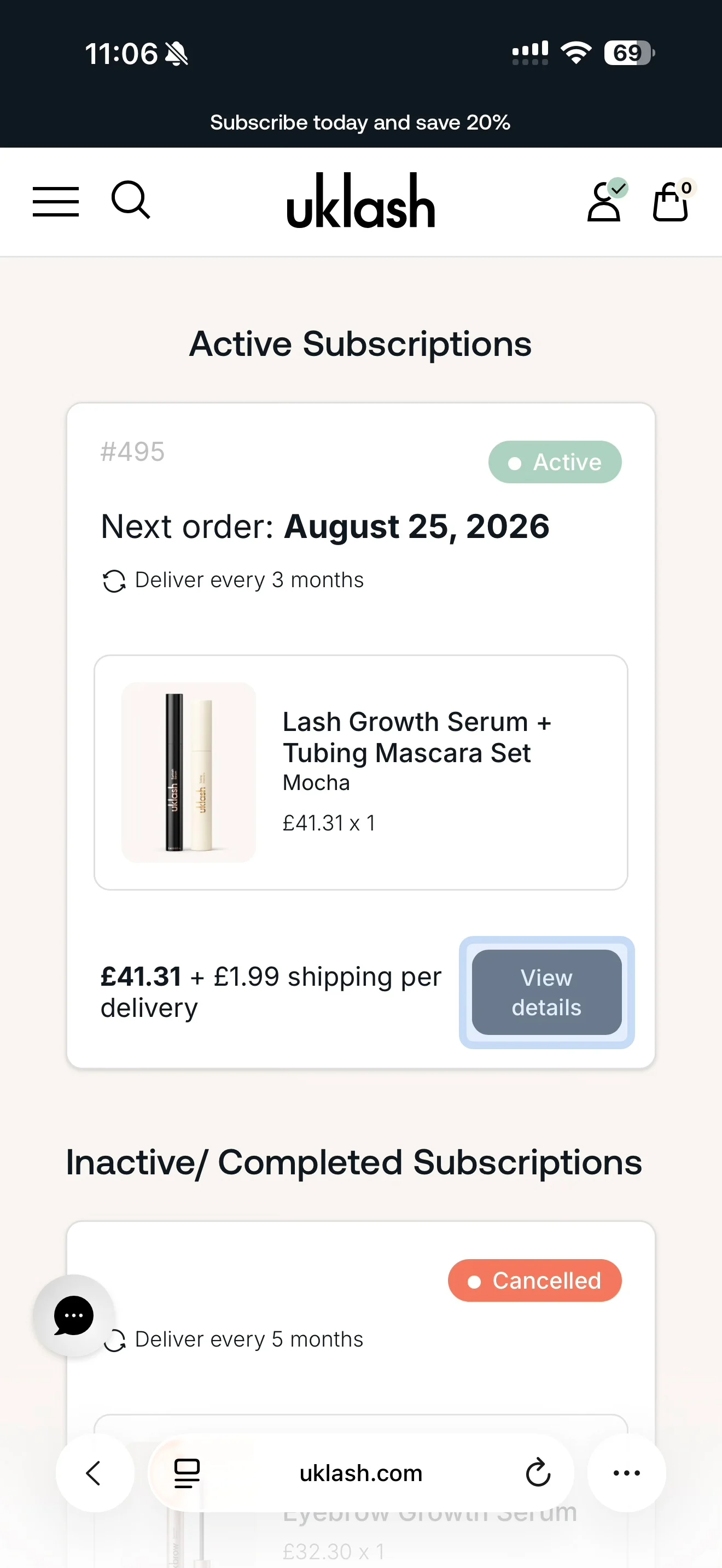
7. Scroll down to the section below your payment details.
8. Select Cancel Subscription.
Go through the questionnaire and select the reasons that apply to cancel your subscription. It will then be cancelled, and no further subscription orders will be processed.