.png)
How Can I Change Subscription Product?Updated 3 months ago
You can update a product’s colour or swap it for another product through your UKLASH account.
1. Go to uklash.com.
2. Select the My Account icon.
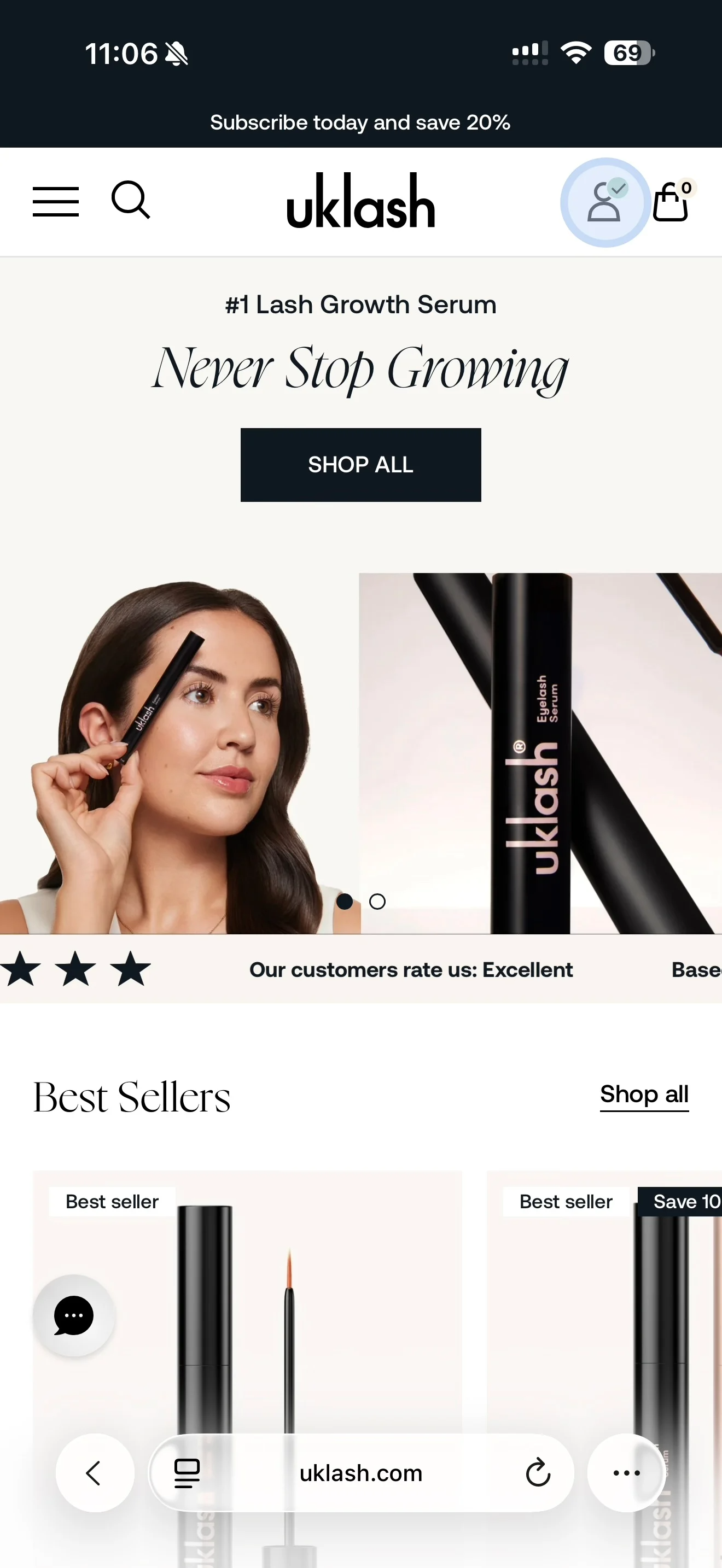
3. Log in to your account.
4. Select Manage Subscriptions.
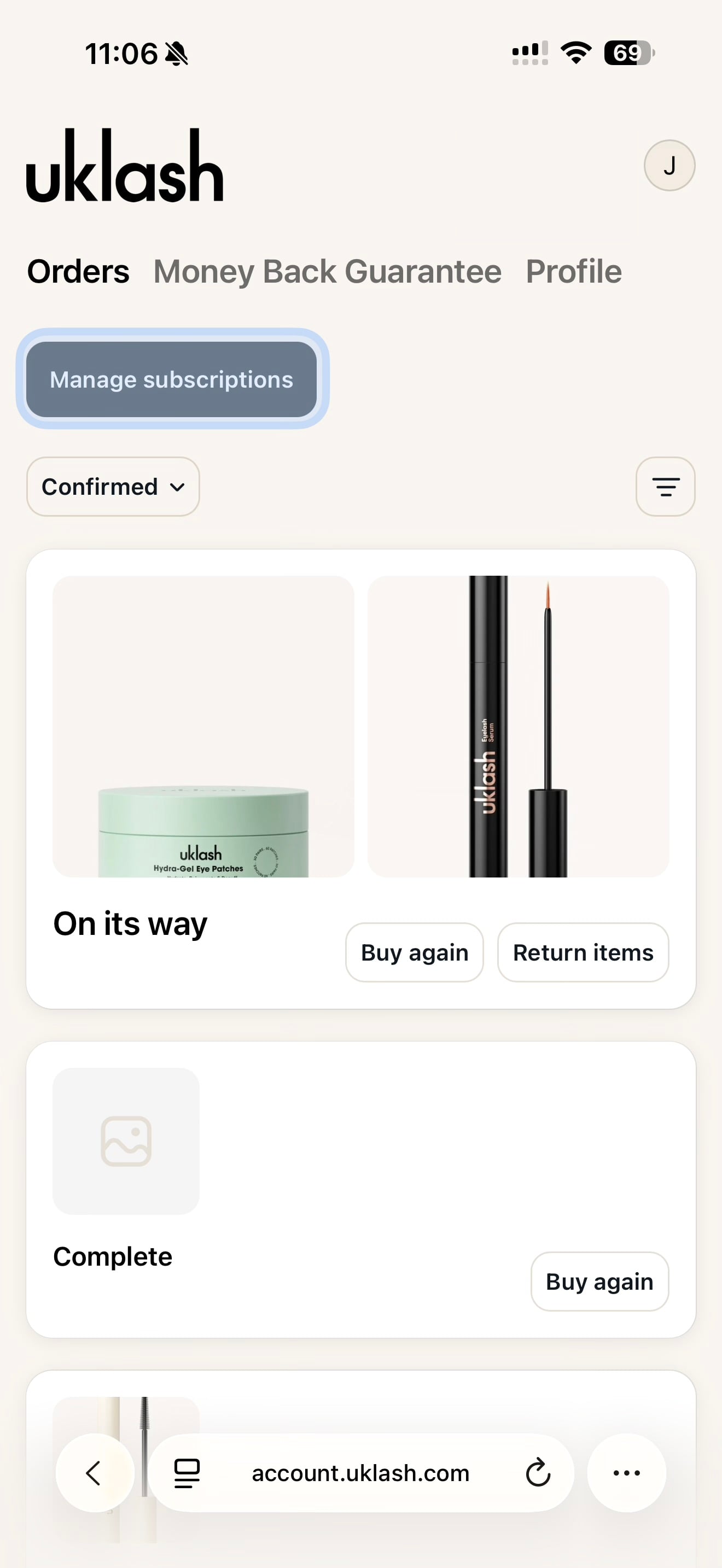
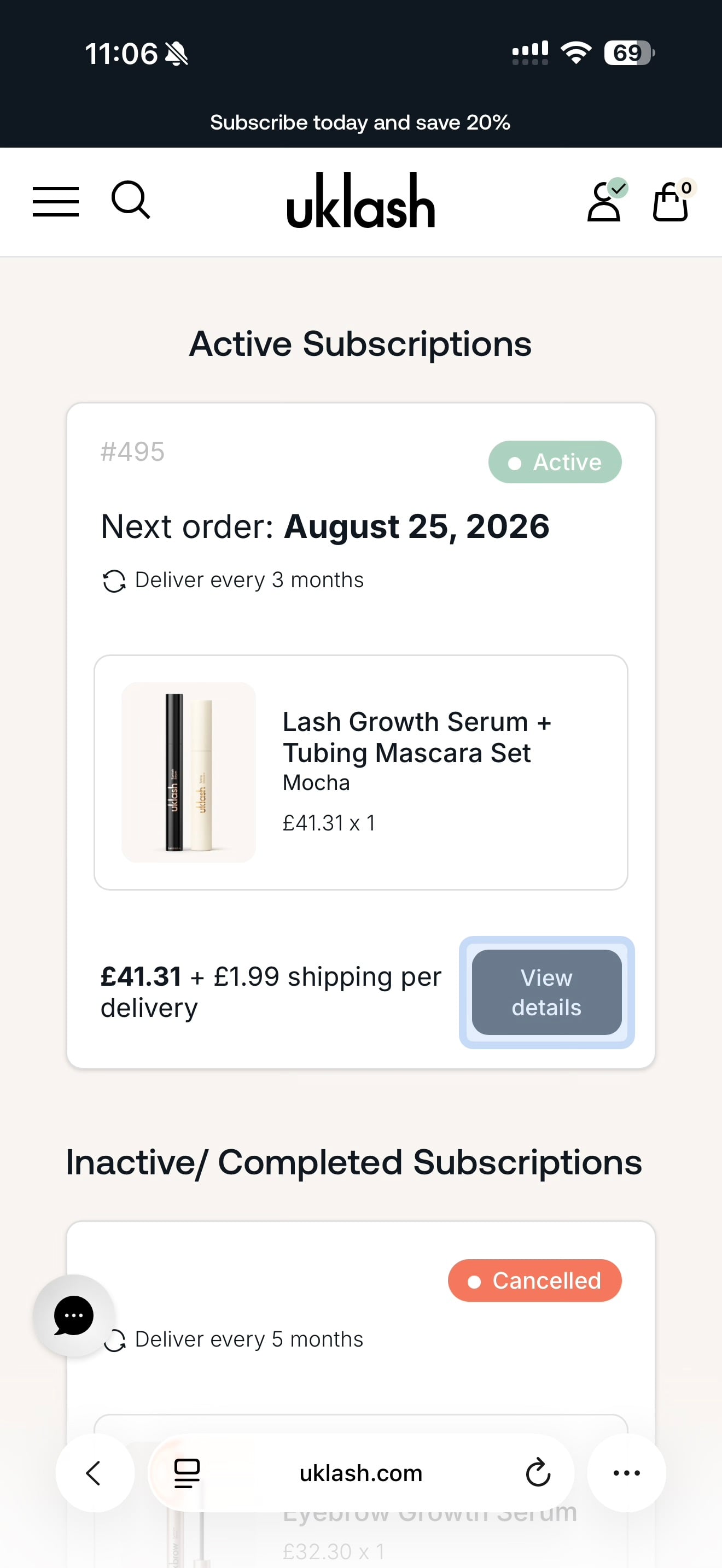
5. Find the subscription you’d like to update.
6. Select View Details.
7. Select Edit on the product card.
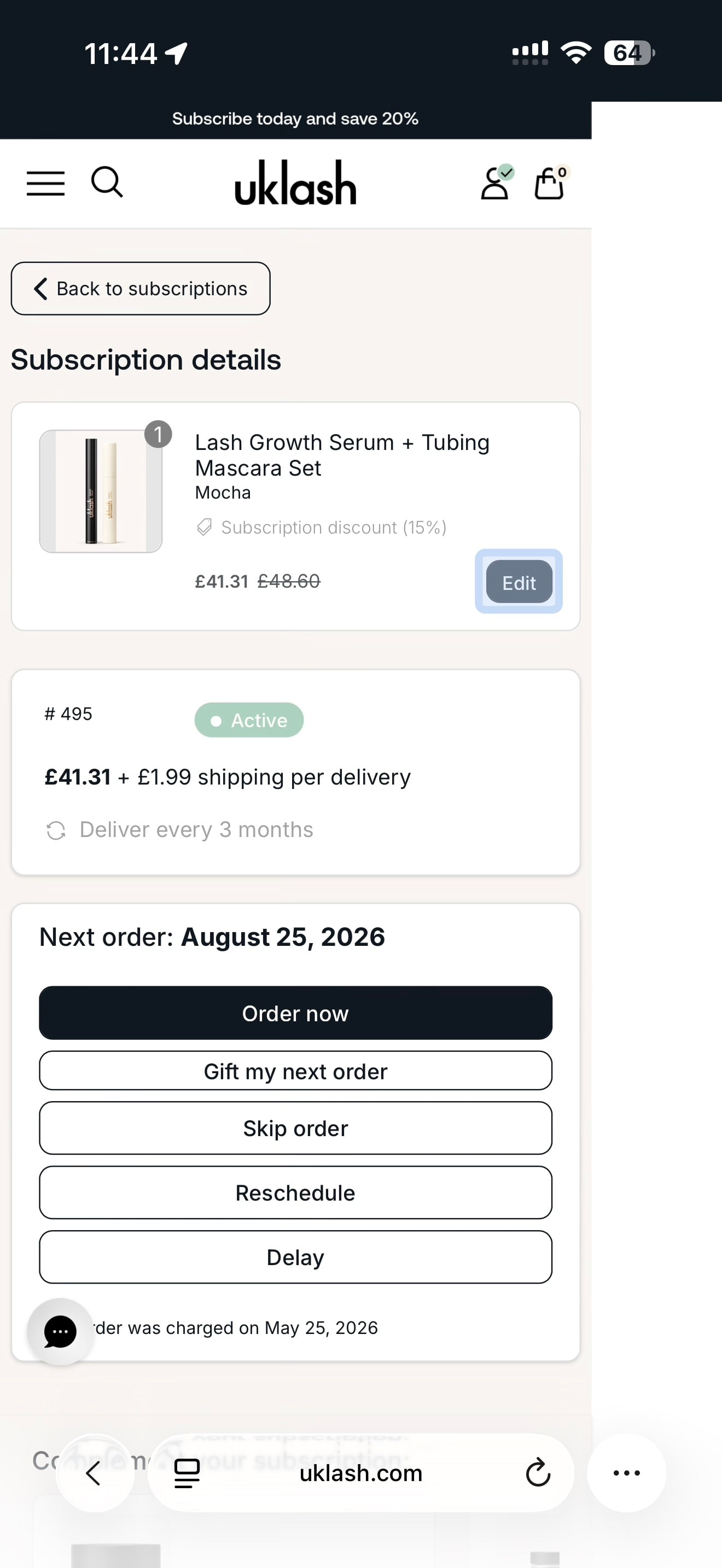
To change the product’s colour or another available option, select your preferred choice and confirm the update.
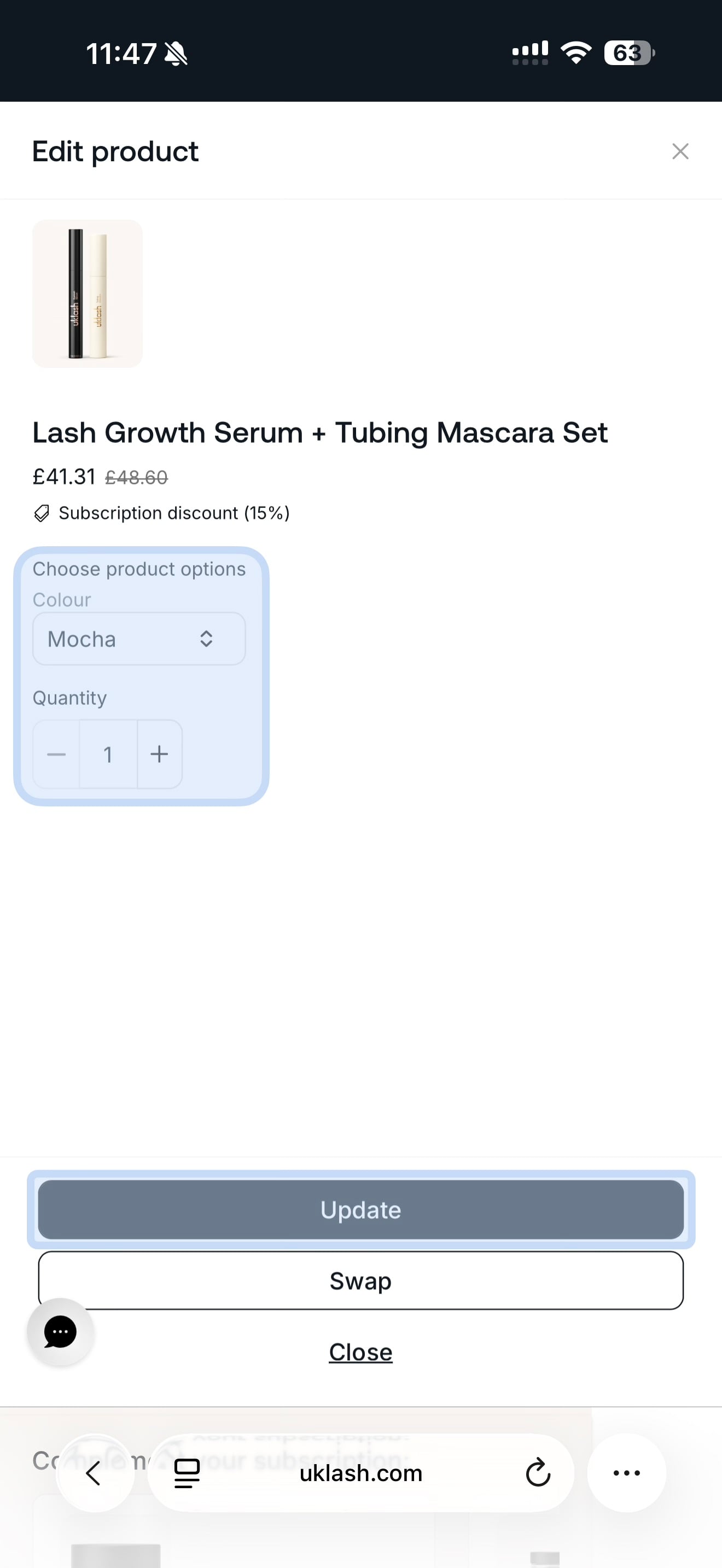
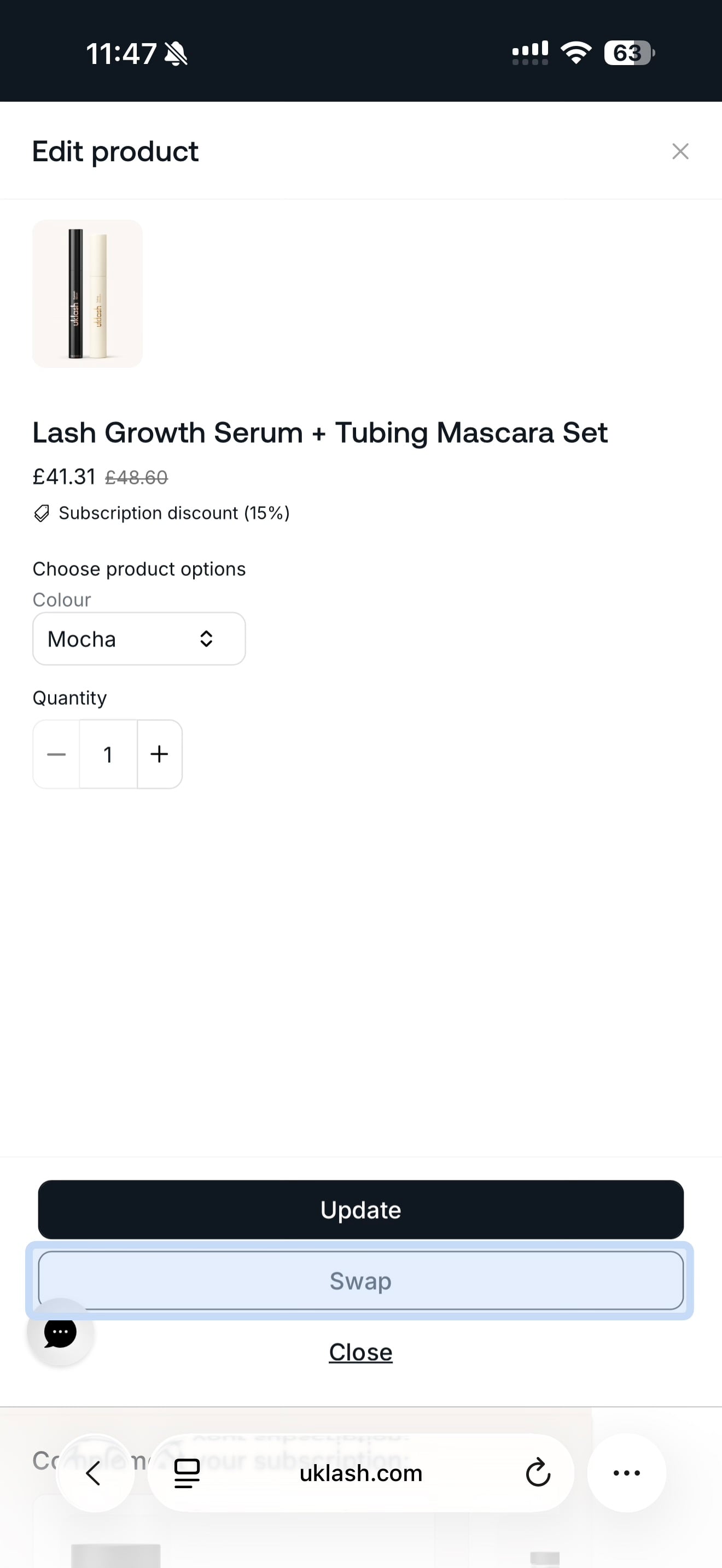
To switch to a different product:
1. Select Swap.
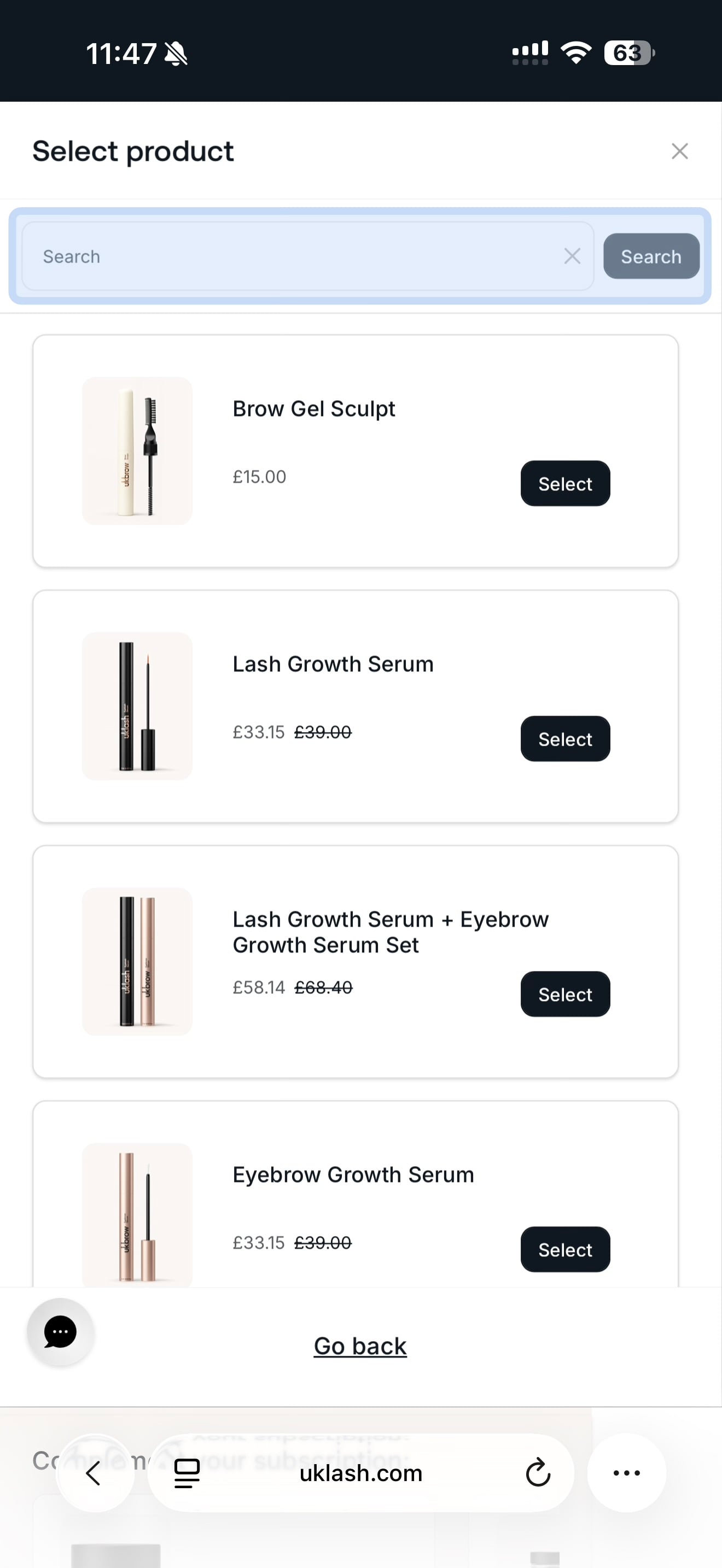
2. Browse the available product range.
3. Choose the product you’d like and select Select.
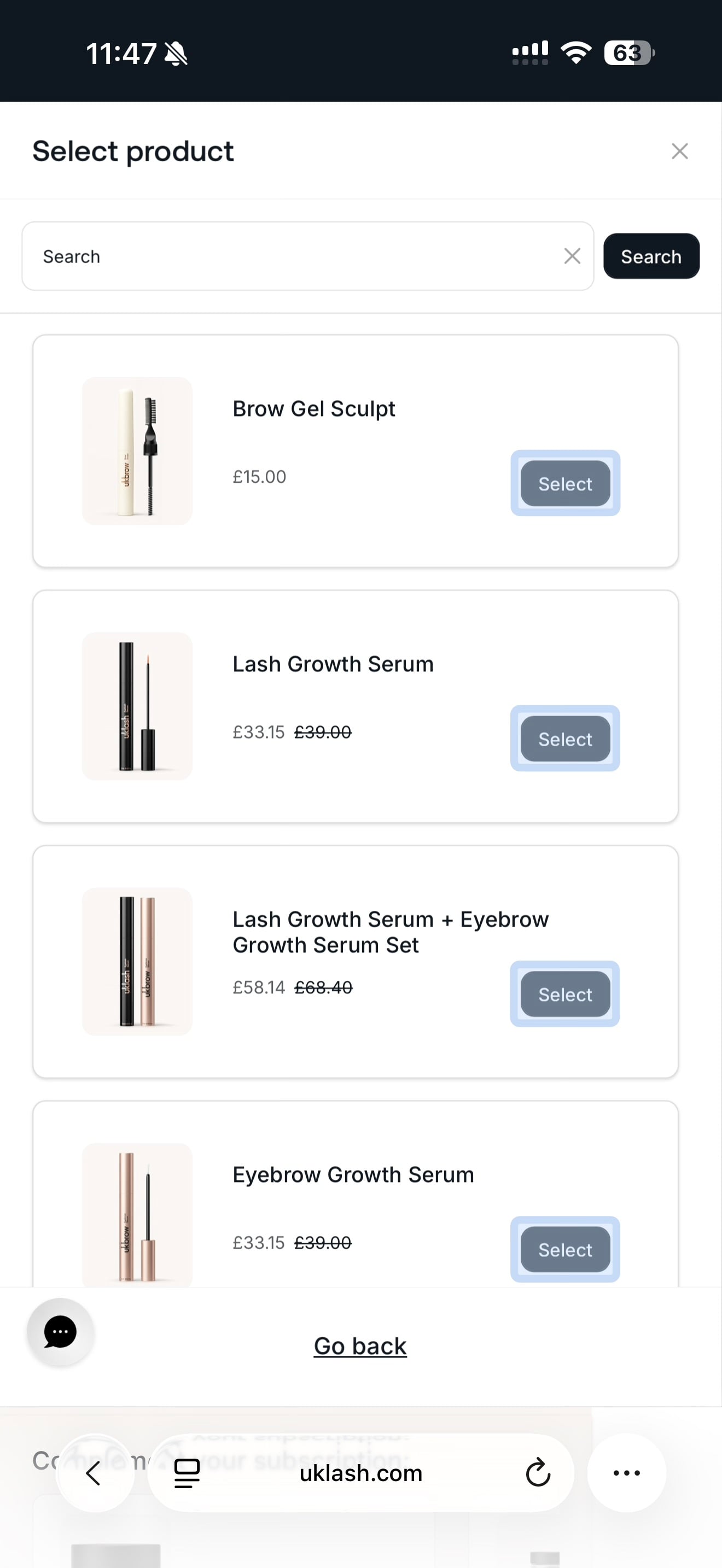
4. Review the product and subscription details.
5. Select Confirm Swap.
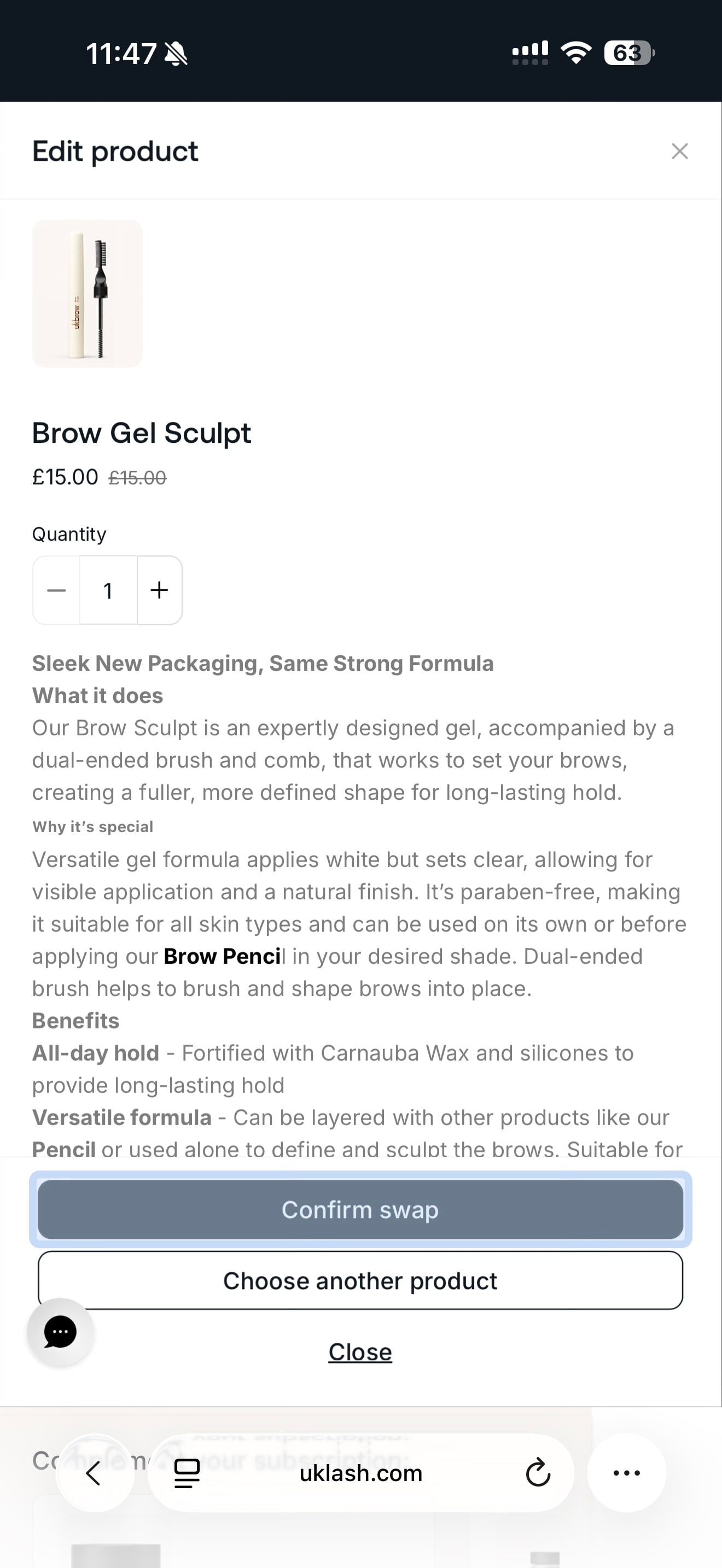
That’s it! Your subscription will be updated with your chosen product.